larpwalletz.

Crypto wallet simulator

Fake it till you make
it with
a RPWallet.

Display any balance on a pixel-perfect Phantom Wallet, Trust Wallet, Ledger, Exodus, Revolut, Fomo or Cash App interface. Live prices, custom tokens, push notifications — built purely for entertainment.

Join our Telegram to purchase.
Latest app updates

View all updates

App previews

Phantom app features

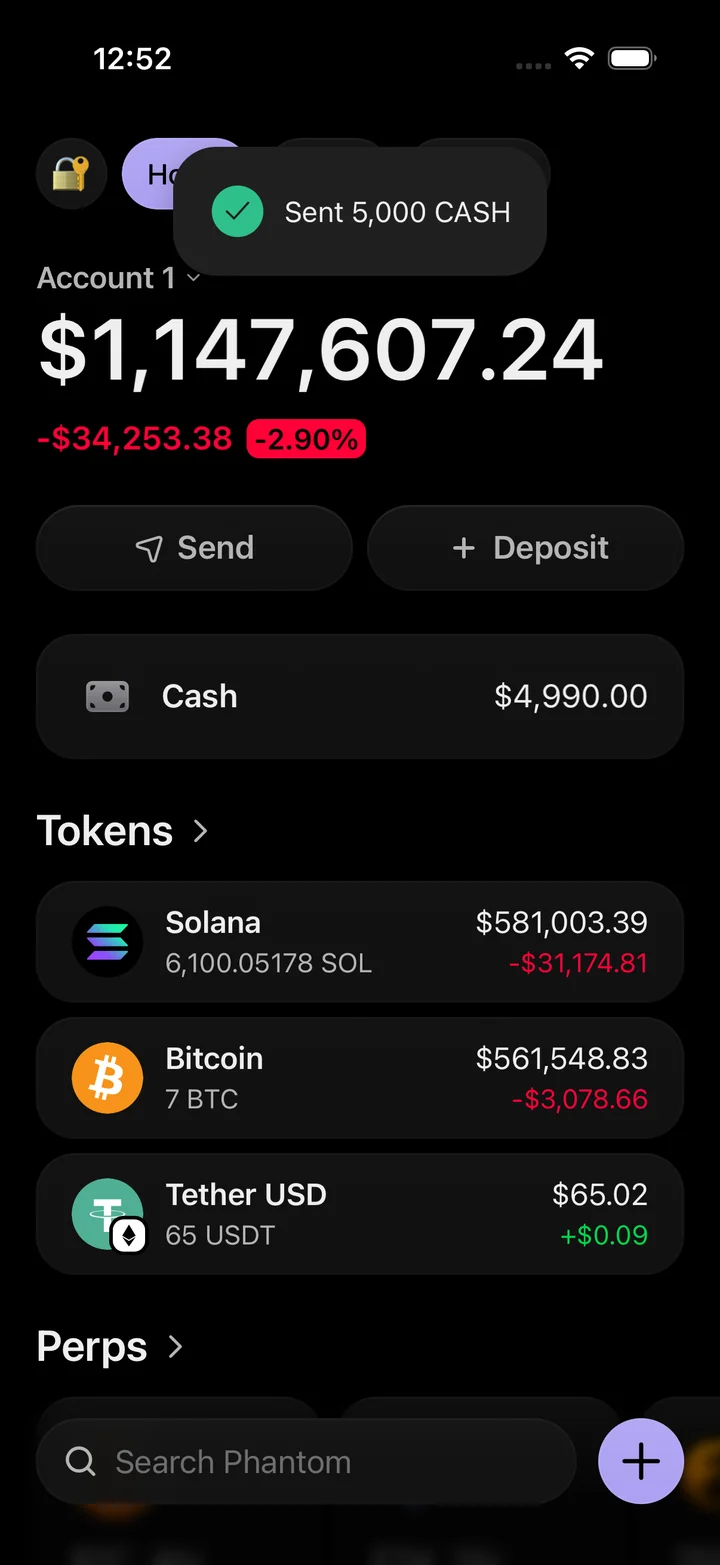
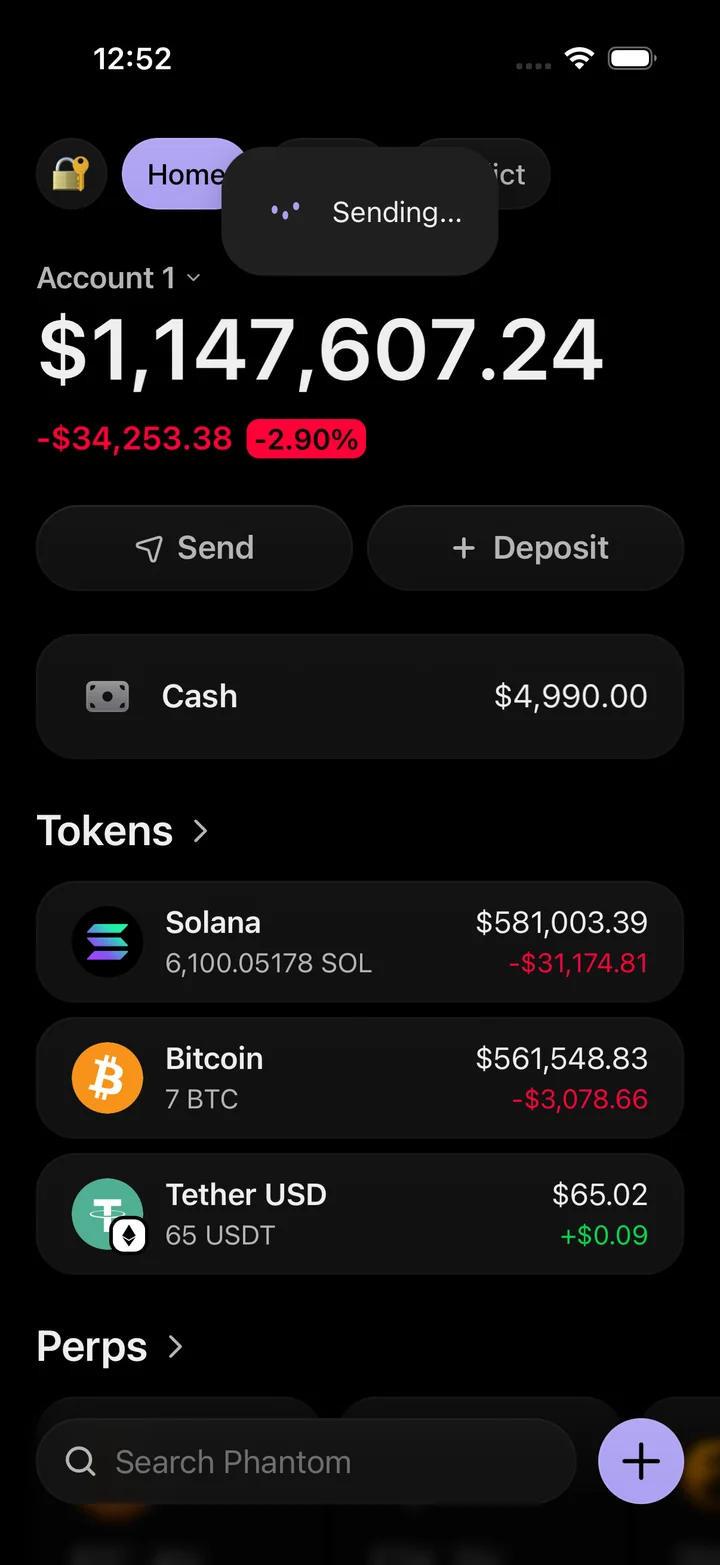
Set a cash balance, send a simulated payment, and see the confirmation in the portfolio. The swap screen lets you choose a token pair and follow the exchange through completion.

Get access on Telegram
Phantom simulator portfolio with a successful cash transfer notification.
Cash sentPhantom simulator portfolio with a successful cash transfer notification.
Phantom simulator portfolio with a cash transfer in progress.
Sending cashPhantom simulator portfolio with a cash transfer in progress.
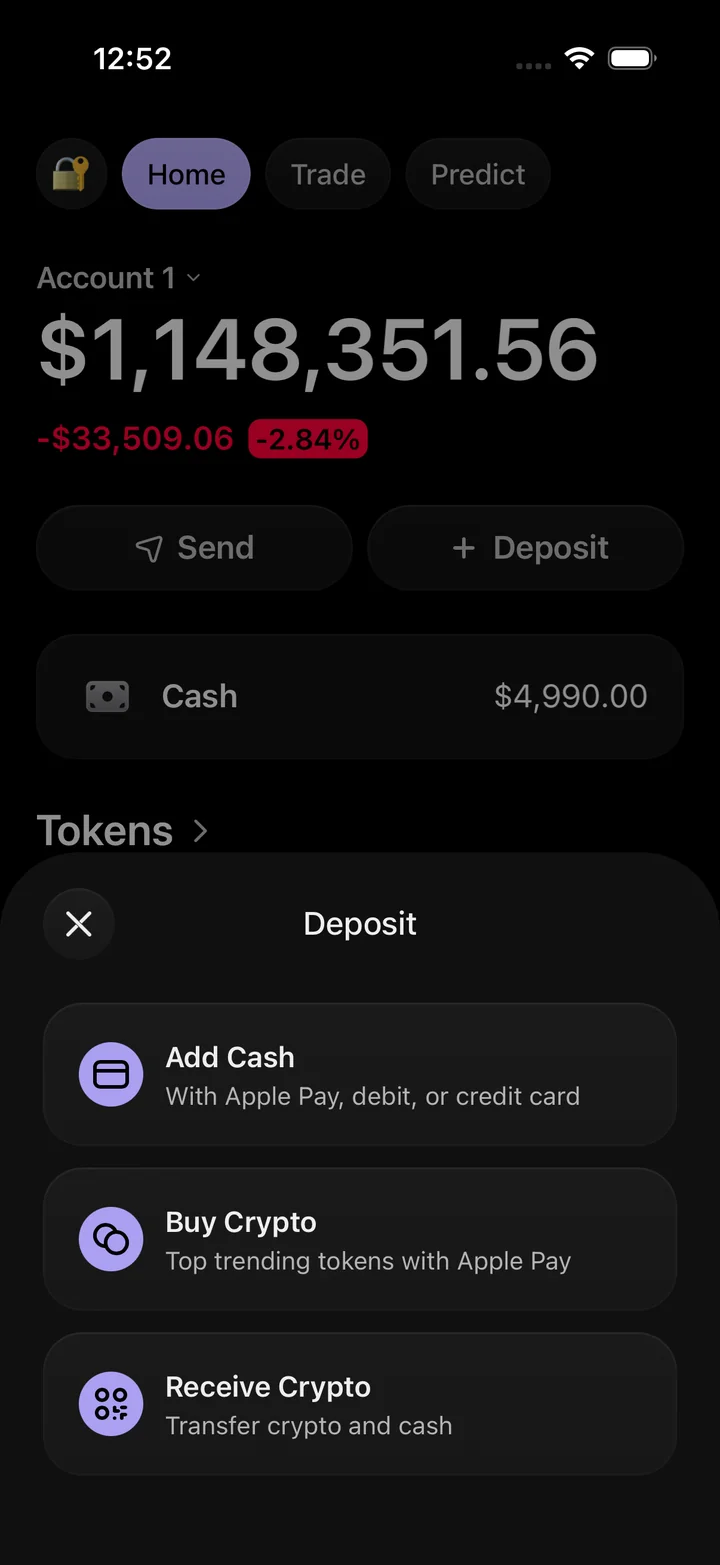
Phantom simulator deposit sheet with add cash, buy crypto and receive options.
Deposit optionsPhantom simulator deposit sheet with add cash, buy crypto and receive options.
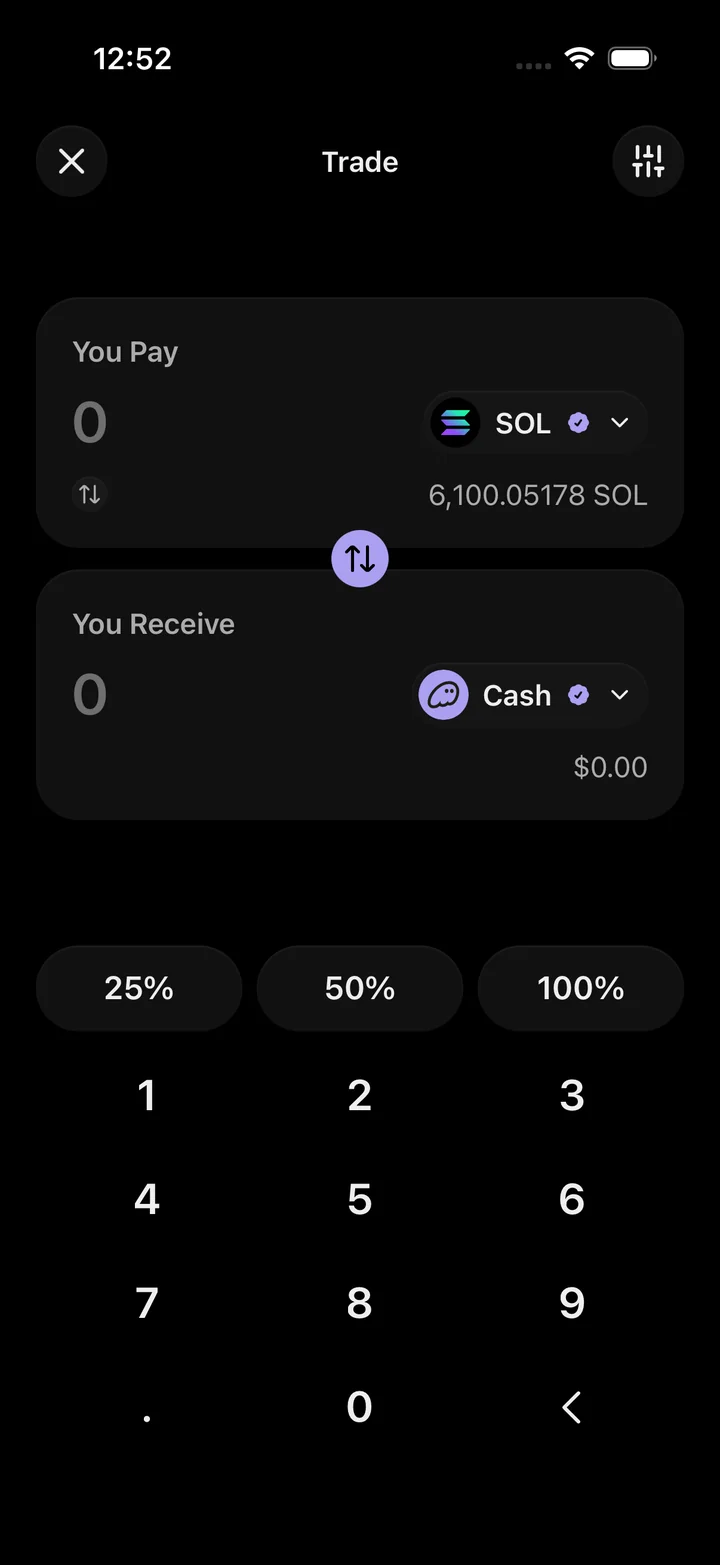
Phantom simulator trade screen with token selectors and an amount keypad.
Token swapPhantom simulator trade screen with token selectors and an amount keypad.
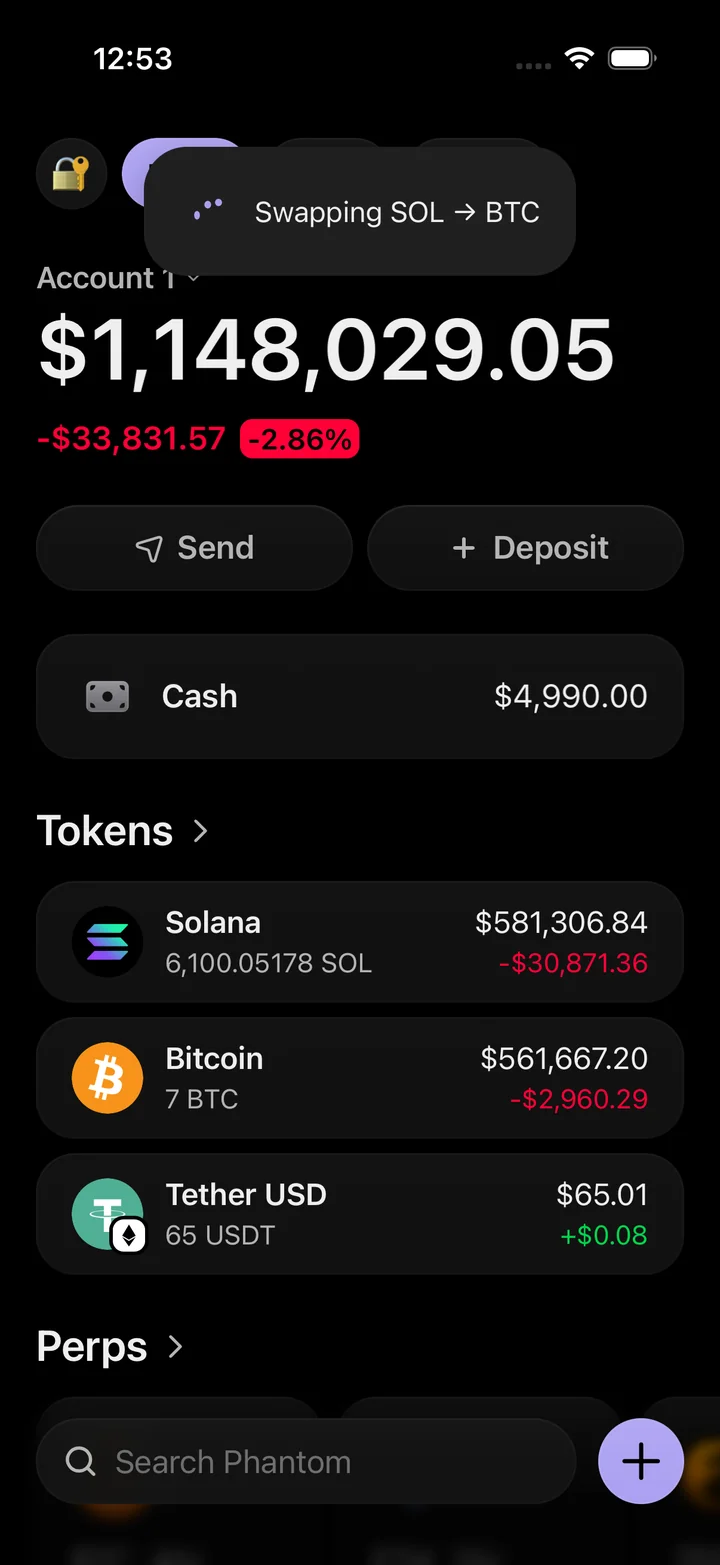
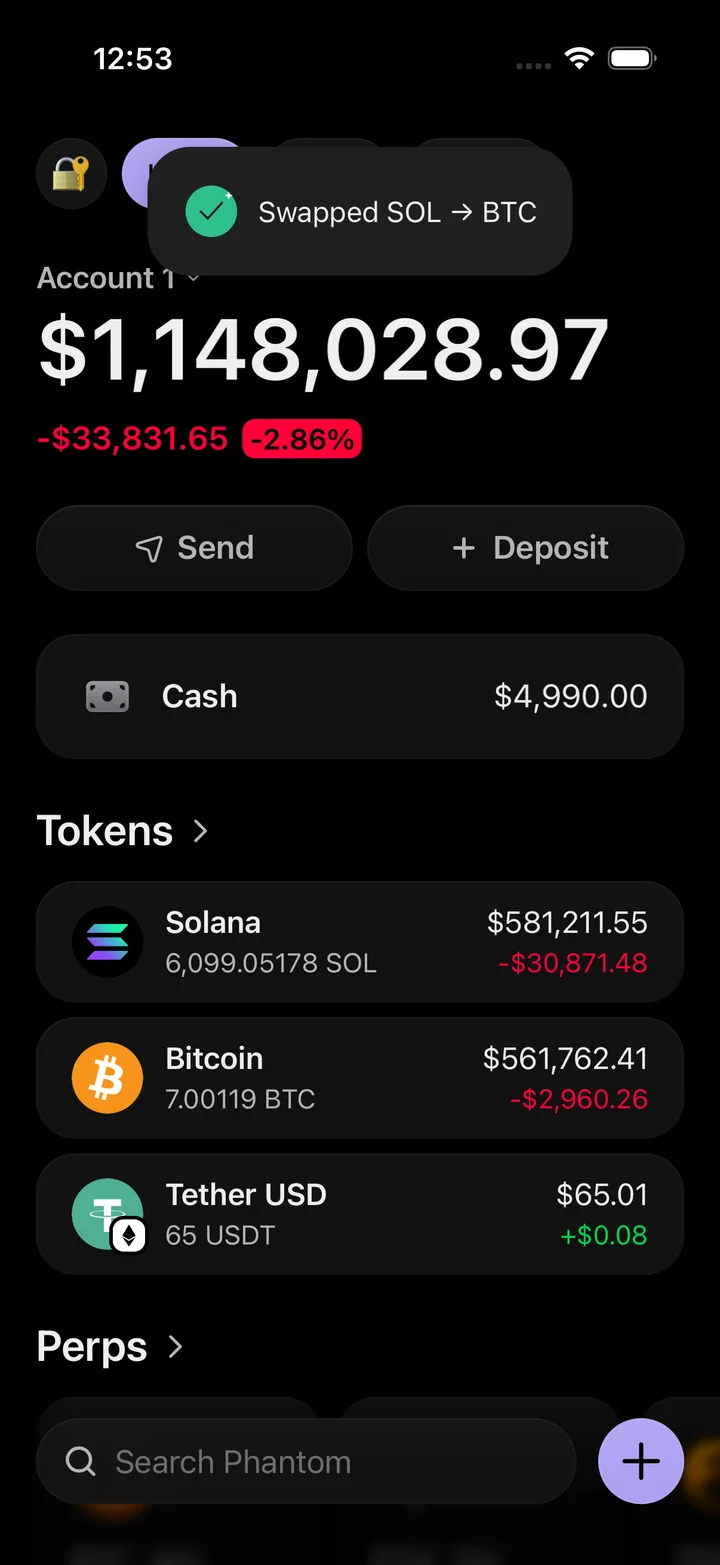
Phantom simulator portfolio with a SOL to Bitcoin swap in progress.
Swap in progressPhantom simulator portfolio with a SOL to Bitcoin swap in progress.
Phantom simulator portfolio after a completed SOL to Bitcoin swap.
Swap completePhantom simulator portfolio after a completed SOL to Bitcoin swap.

Ledger app features

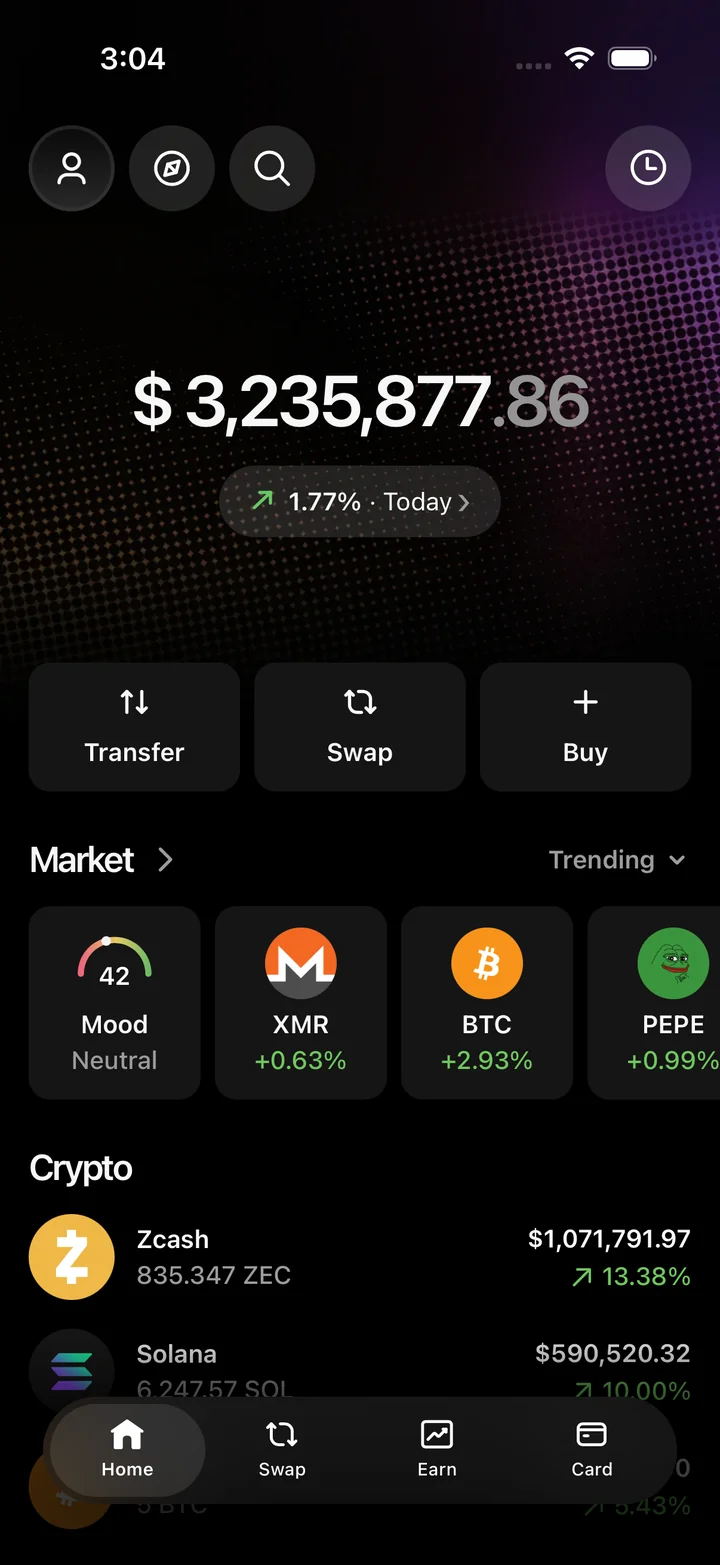
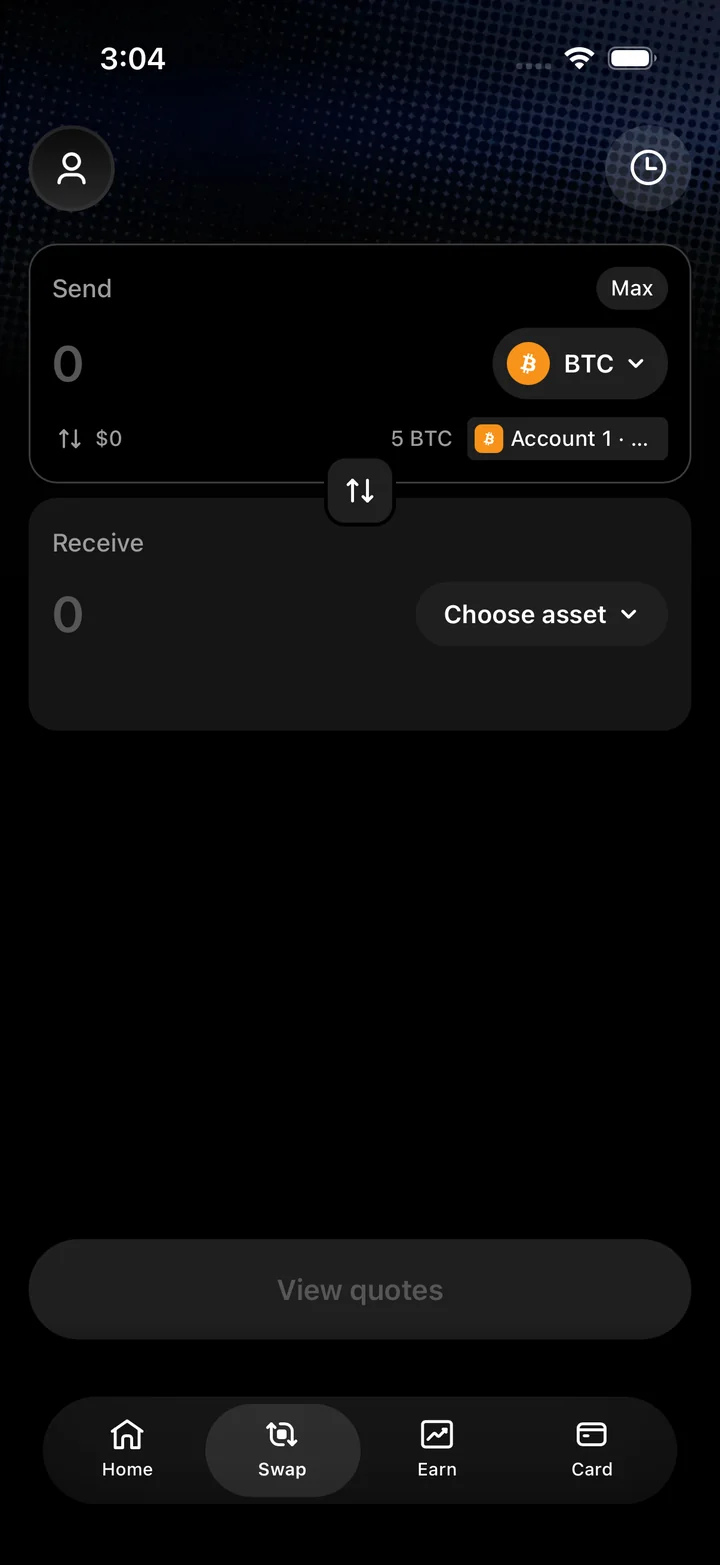
View individual accounts, adjust asset holdings, and inspect a Zcash balance. The swap flow shows the exchange quote before you confirm the simulated trade.

Get access on Telegram
Ledger simulator portfolio showing a total balance, market tiles and asset holdings.
PortfolioLedger simulator portfolio showing a total balance, market tiles and asset holdings.
Ledger simulator swap screen with send and receive asset selectors.
Swap assetsLedger simulator swap screen with send and receive asset selectors.
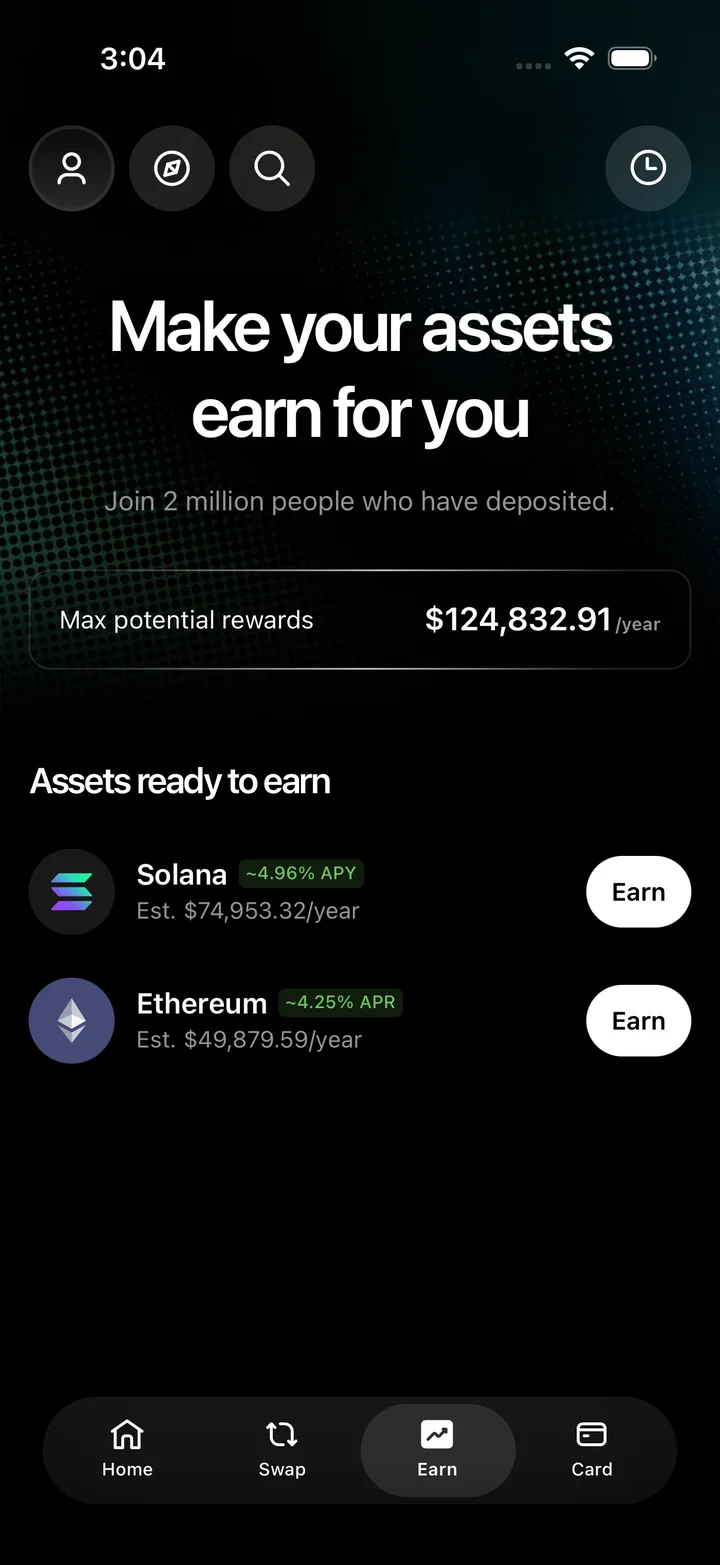
Ledger simulator Earn screen with potential rewards and staking assets.
EarnLedger simulator Earn screen with potential rewards and staking assets.
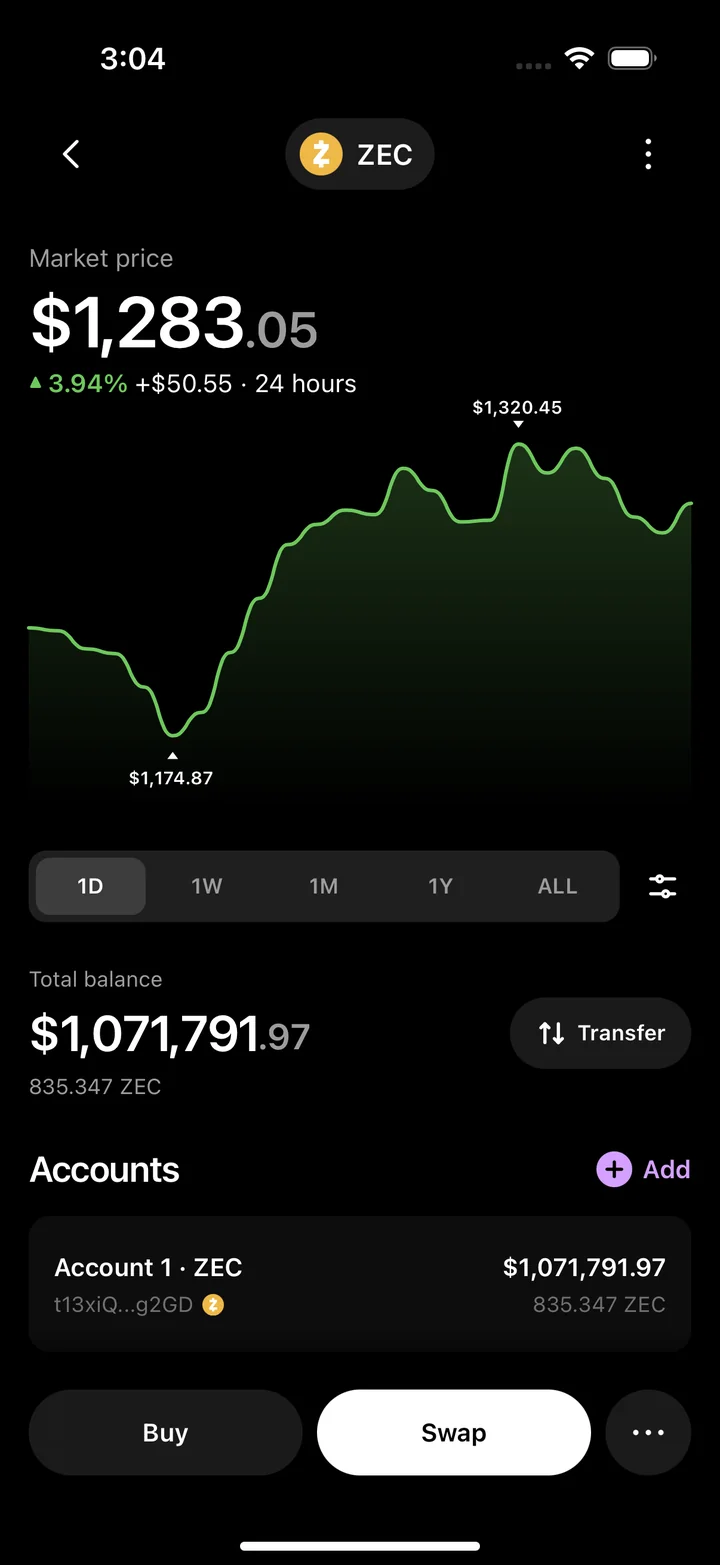
Ledger simulator Zcash detail screen with a market chart, balance and accounts.
Zcash detailsLedger simulator Zcash detail screen with a market chart, balance and accounts.
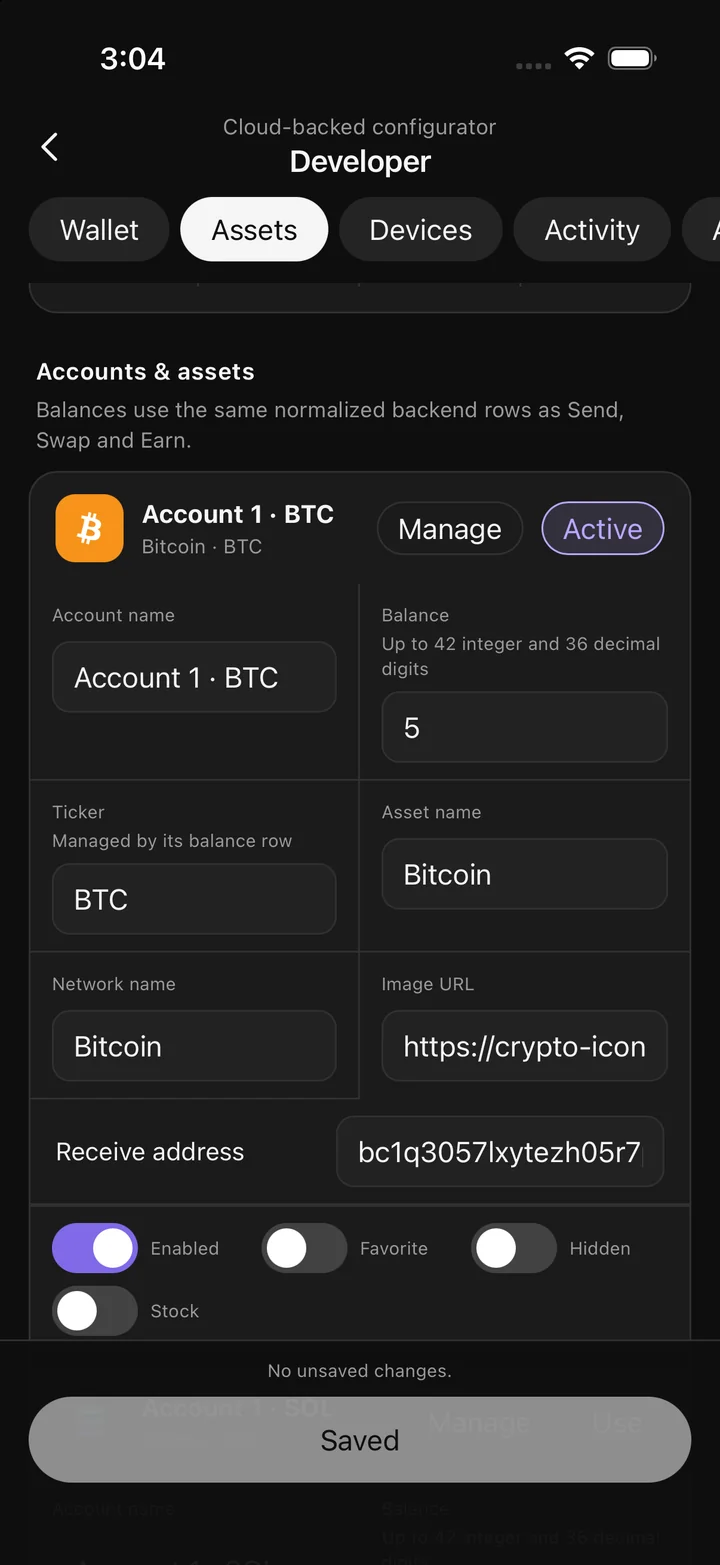
Ledger simulator asset configuration screen with a Bitcoin account and editable fields.
Customize assetsLedger simulator asset configuration screen with a Bitcoin account and editable fields.
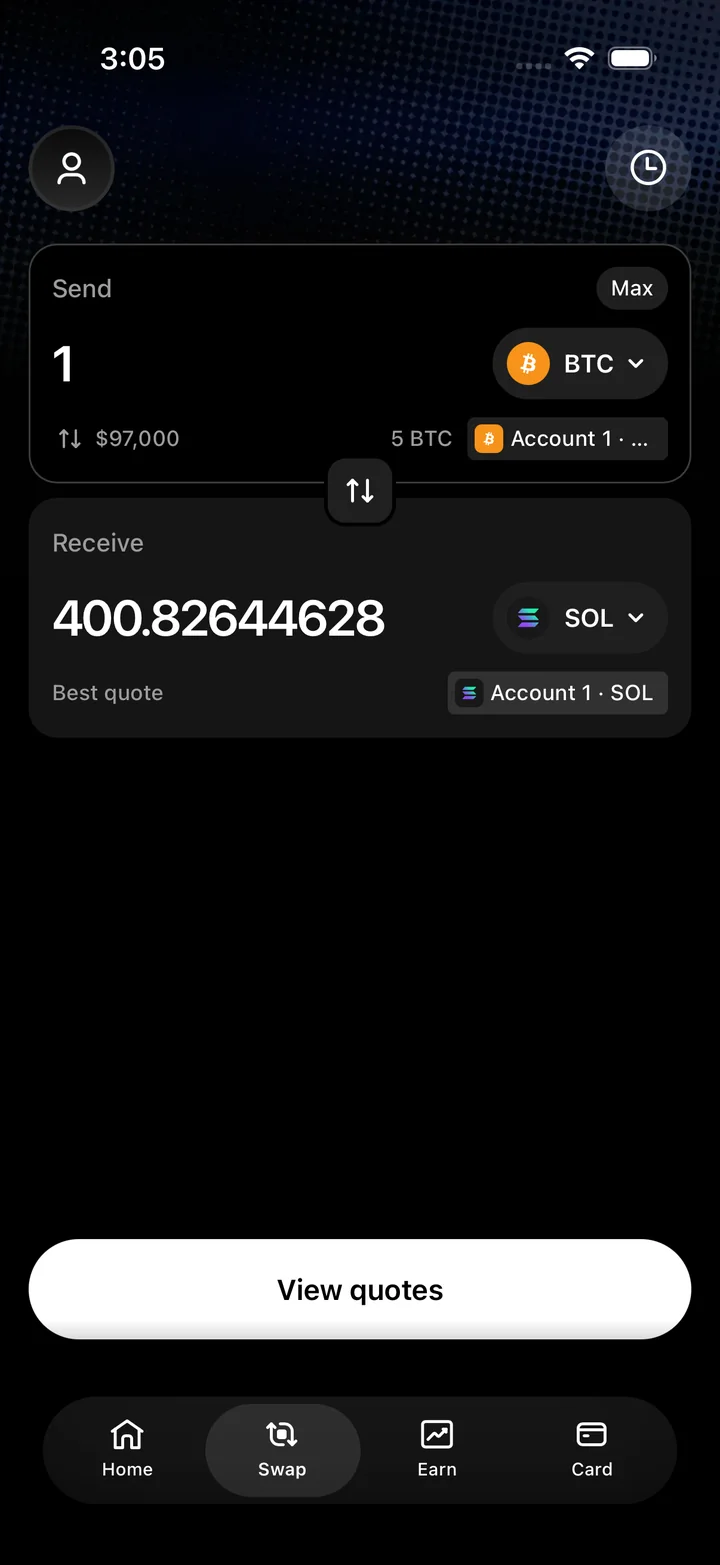
Ledger simulator swap screen showing a Bitcoin amount and a Solana quote.
Swap quoteLedger simulator swap screen showing a Bitcoin amount and a Solana quote.

Trust Wallet app features

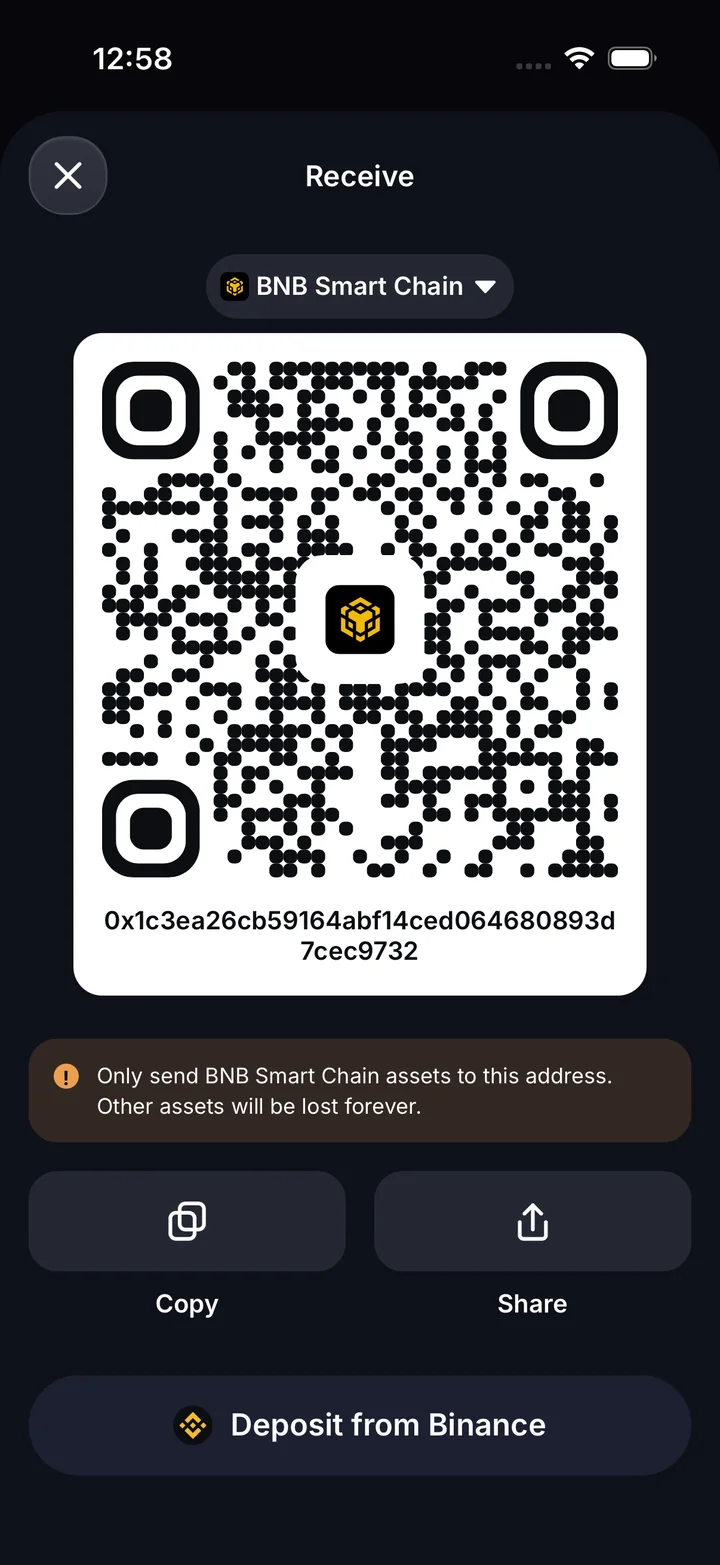
Browse balances across chains, open the Bitcoin price chart, and check recent activity. Preview the receive screen or enter an amount on the token swap keypad.

Get access on Telegram
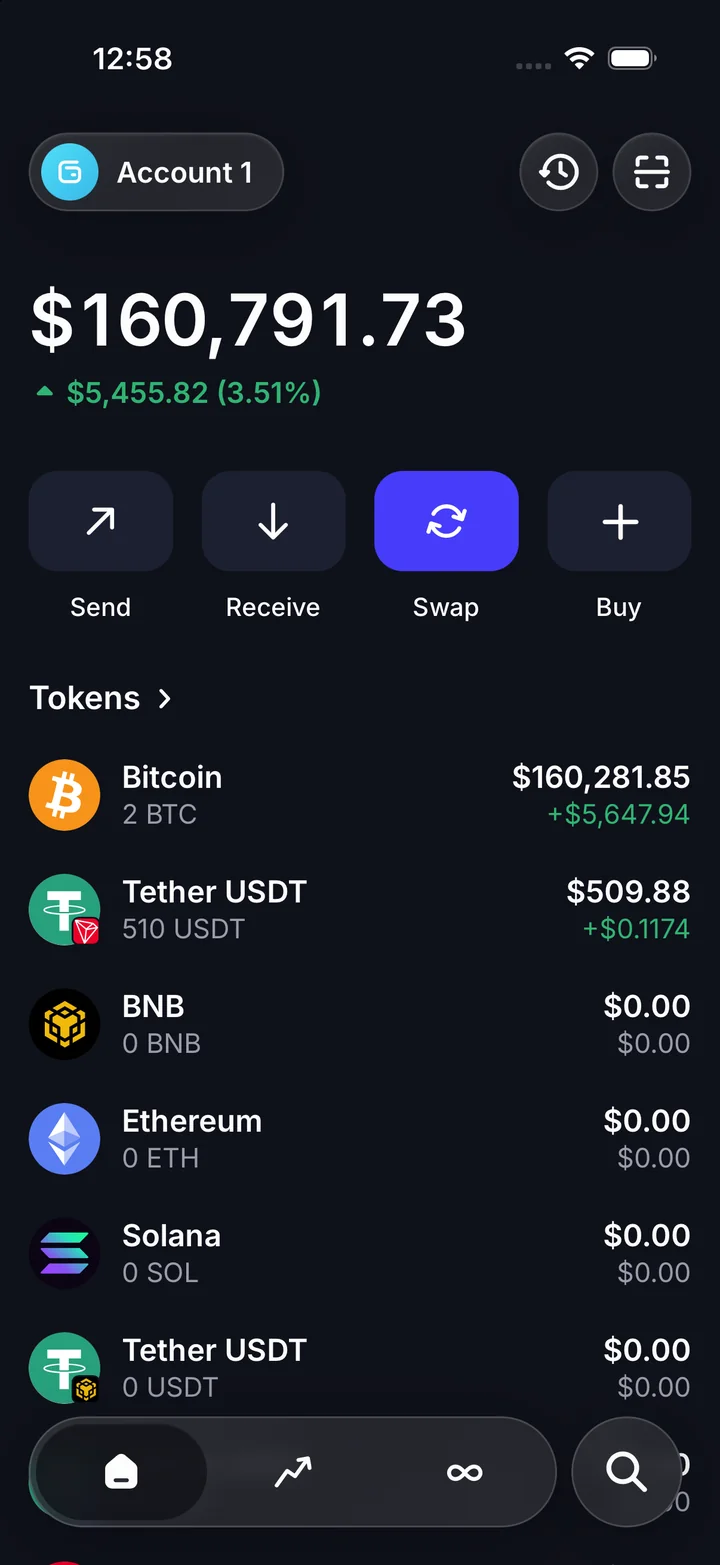
Trust Wallet simulator home with a portfolio balance and token holdings.
PortfolioTrust Wallet simulator home with a portfolio balance and token holdings.
Trust Wallet simulator receive screen with a BNB Smart Chain address and QR code.
Receive cryptoTrust Wallet simulator receive screen with a BNB Smart Chain address and QR code.
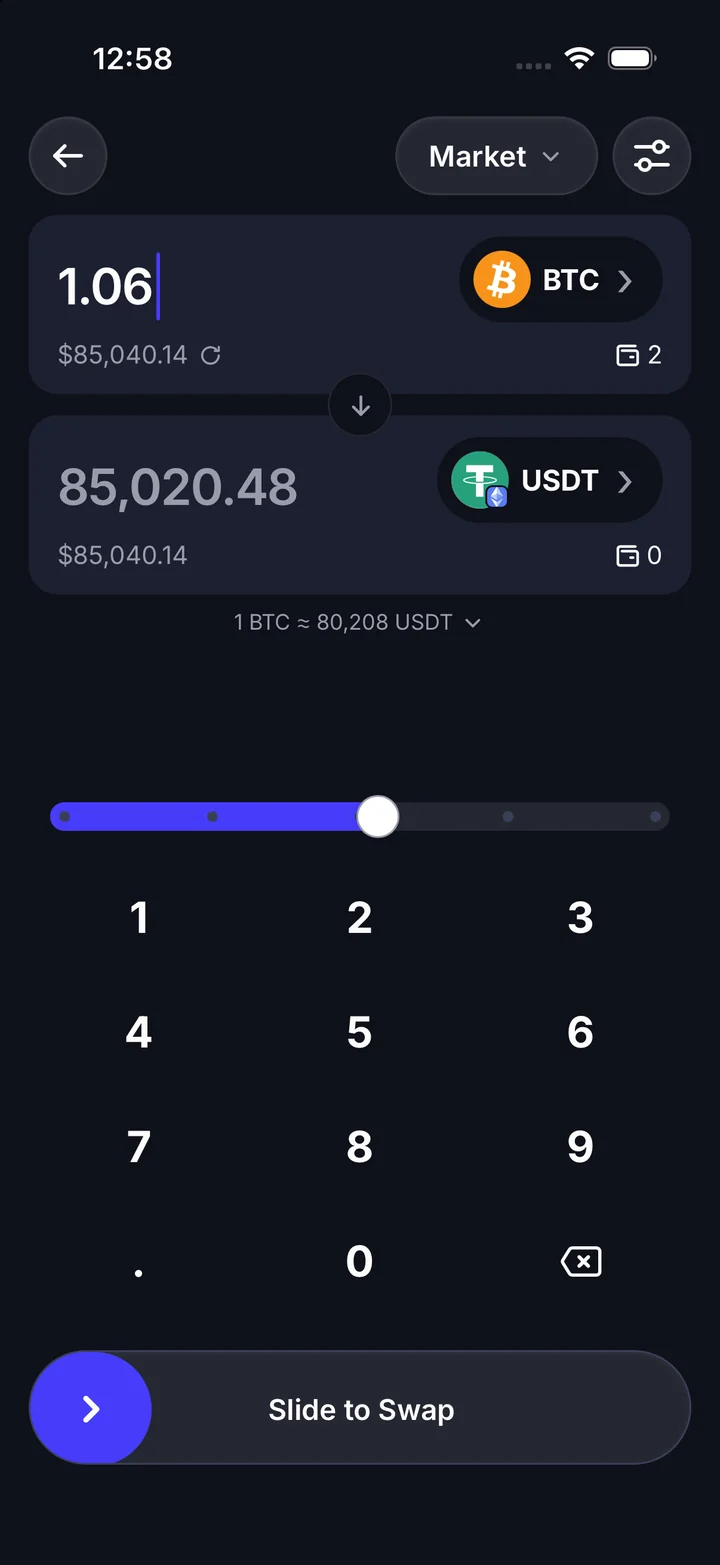
Trust Wallet simulator Bitcoin to USDT swap with an amount keypad and confirmation slider.
Swap tokensTrust Wallet simulator Bitcoin to USDT swap with an amount keypad and confirmation slider.
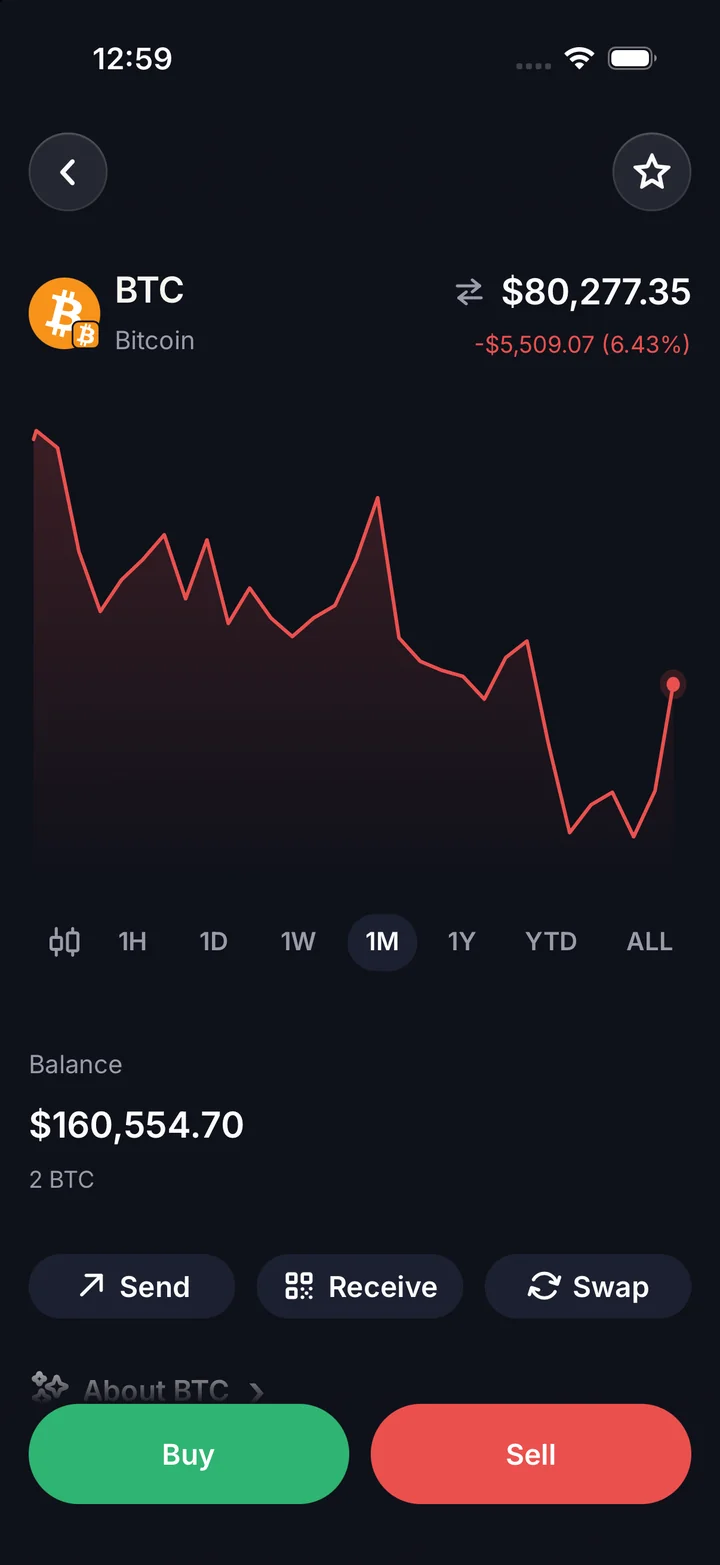
Trust Wallet simulator Bitcoin detail page with a price chart and asset balance.
Bitcoin detailsTrust Wallet simulator Bitcoin detail page with a price chart and asset balance.
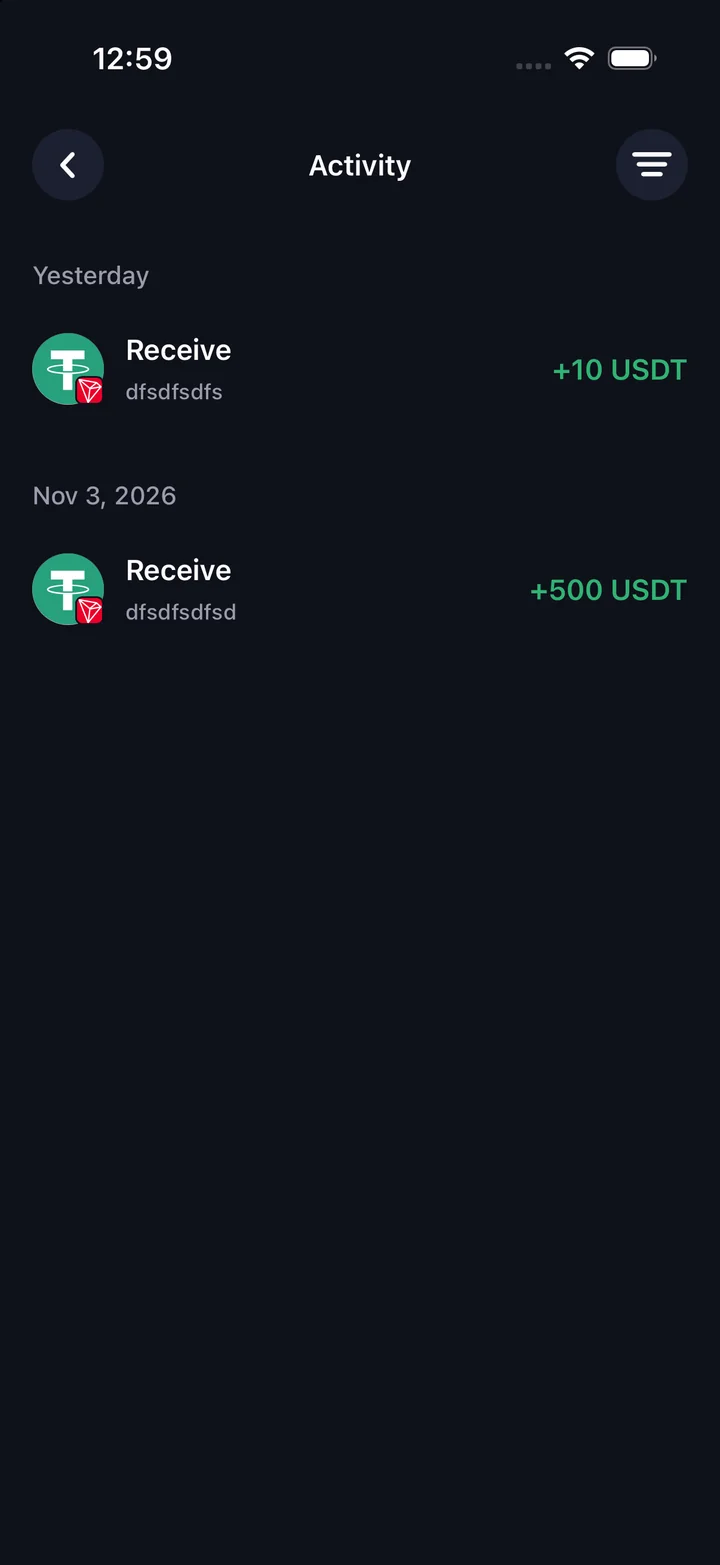
Trust Wallet simulator activity list with received USDT transactions.
ActivityTrust Wallet simulator activity list with received USDT transactions.
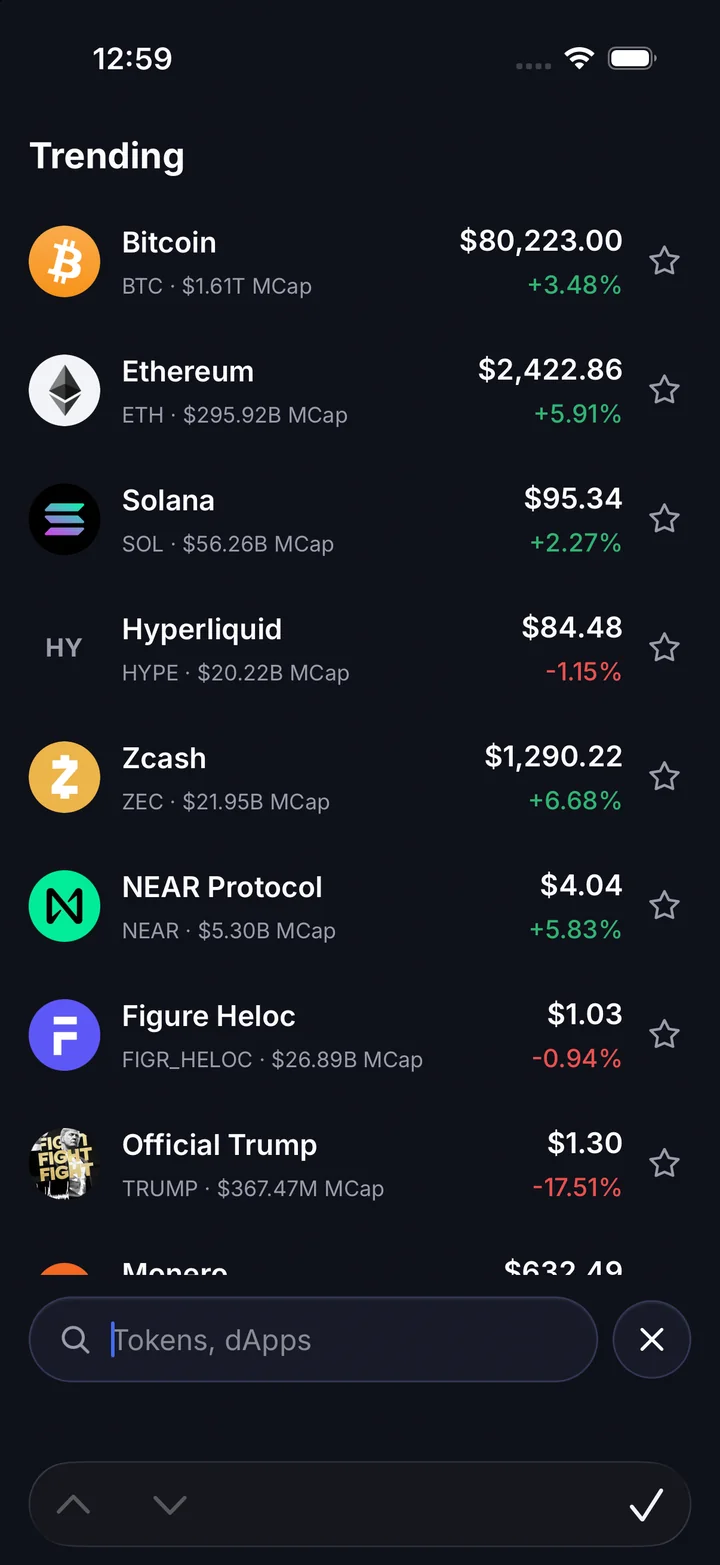
Trust Wallet simulator search screen with trending coins and prices.
Trending marketsTrust Wallet simulator search screen with trending coins and prices.

Exodus app features

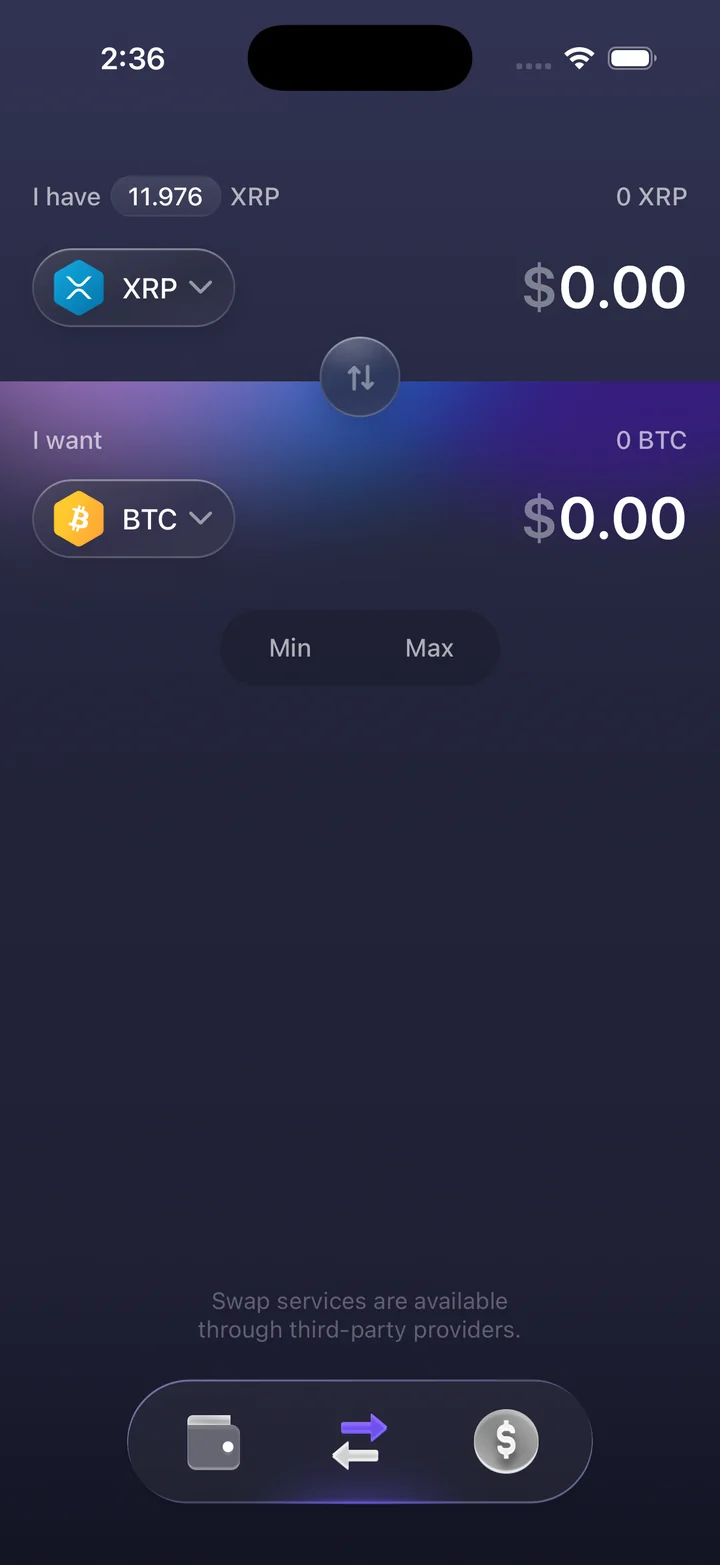
Start with the portfolio breakdown, then open an asset to see its price and transaction history. Follow a received Bitcoin payment or review an asset swap.

Get access on Telegram
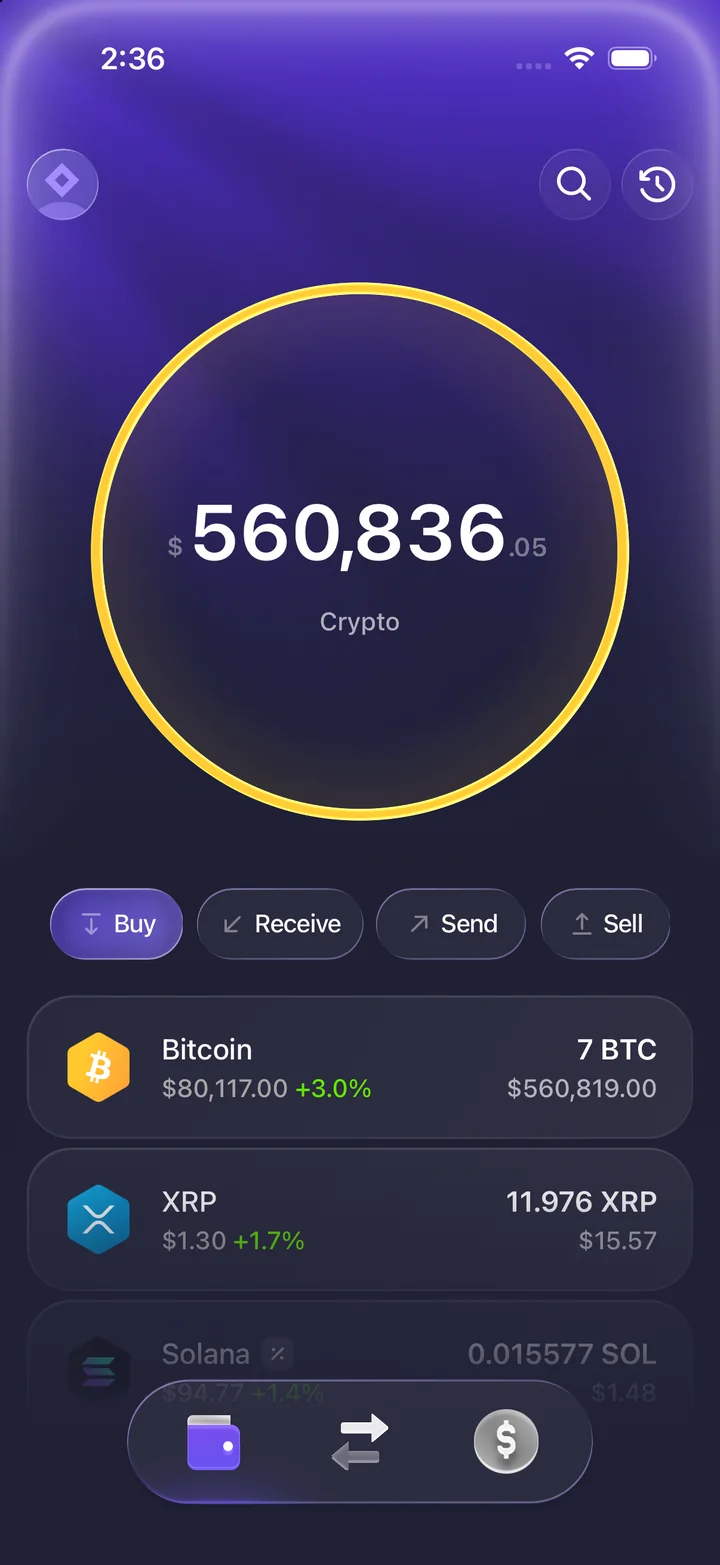
Exodus simulator portfolio with its circular balance display and crypto holdings.
PortfolioExodus simulator portfolio with its circular balance display and crypto holdings.
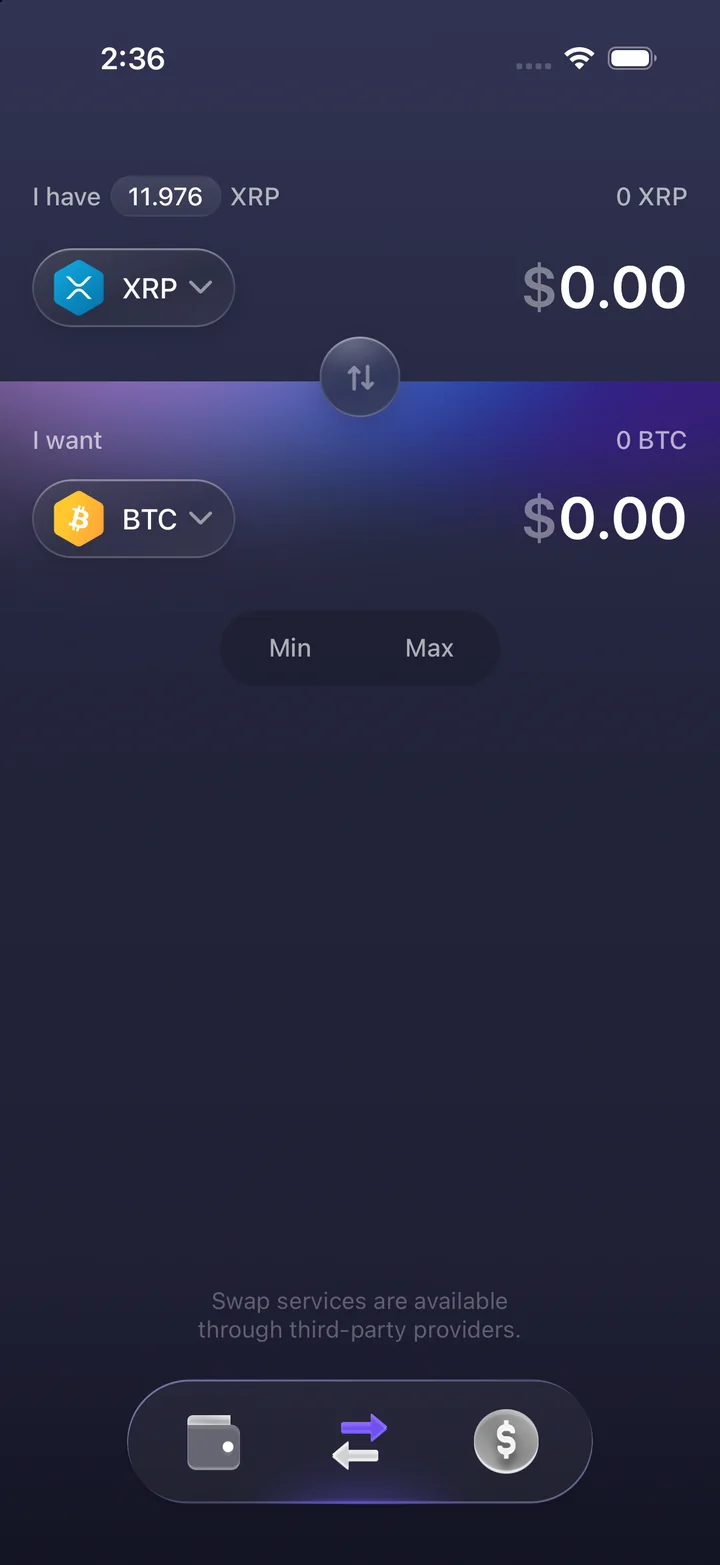
Exodus simulator swap screen with XRP and Bitcoin asset selectors.
Asset swapExodus simulator swap screen with XRP and Bitcoin asset selectors.
Exodus simulator swap preview showing XRP and Bitcoin amounts.
Swap previewExodus simulator swap preview showing XRP and Bitcoin amounts.
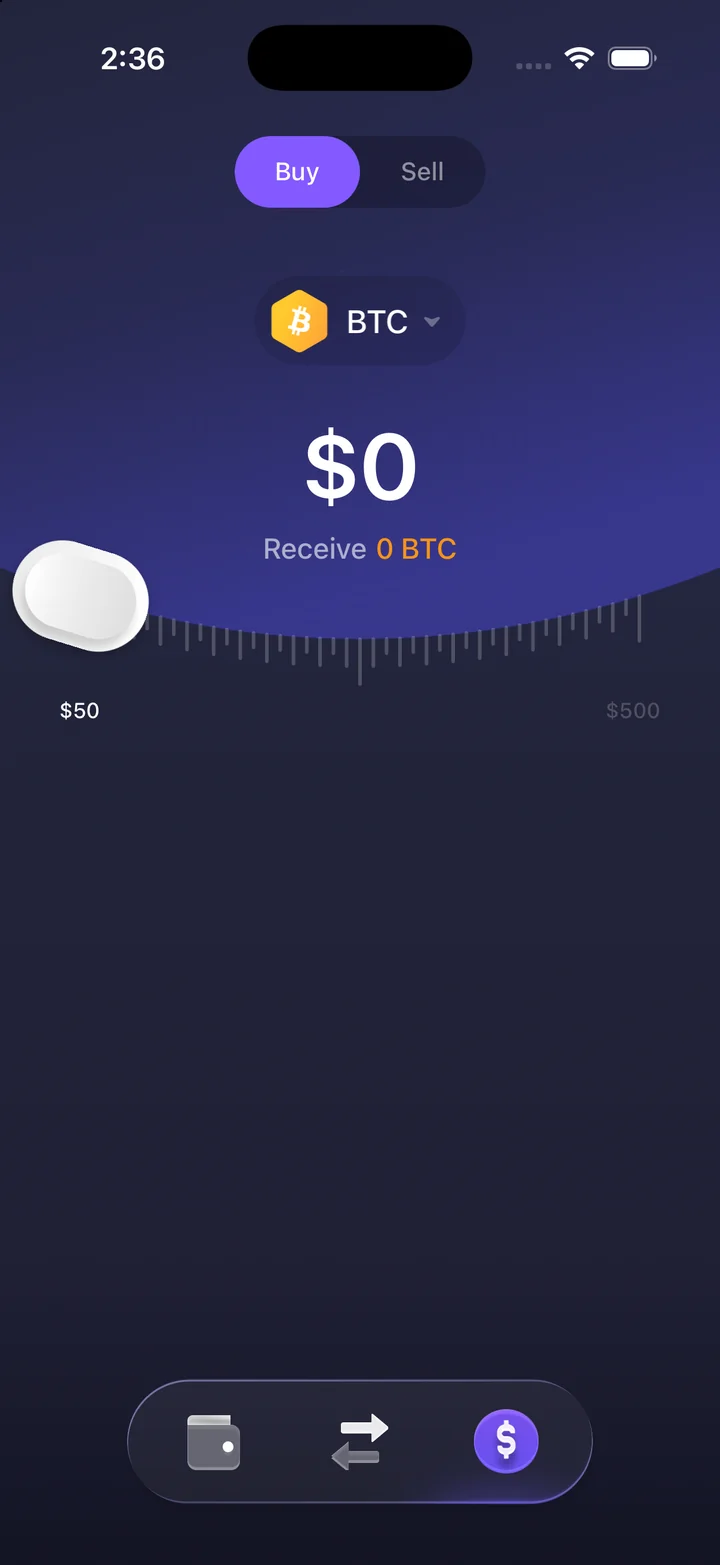
Exodus simulator buy and sell screen with Bitcoin selected and an amount slider.
Buy and sellExodus simulator buy and sell screen with Bitcoin selected and an amount slider.
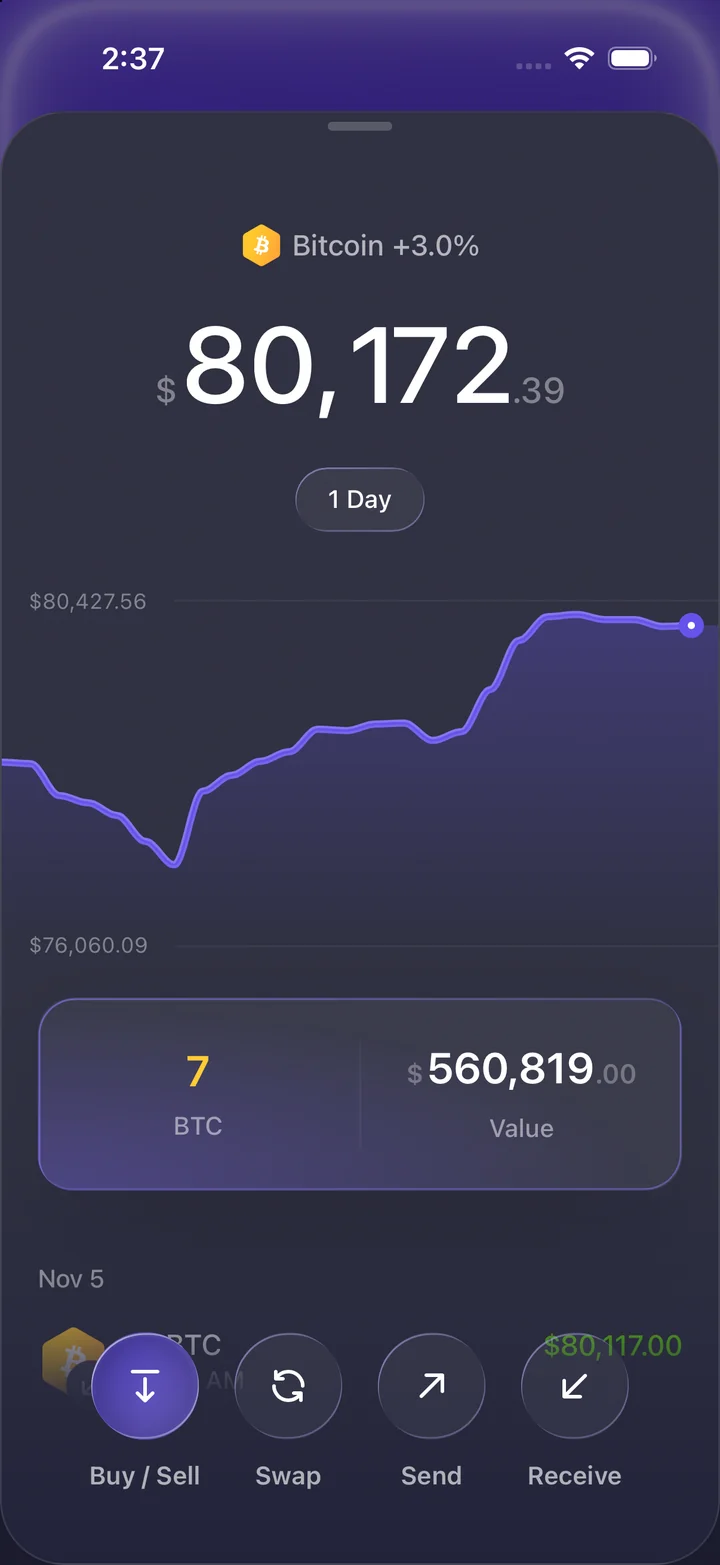
Exodus simulator Bitcoin detail sheet with a chart and position value.
Bitcoin detailsExodus simulator Bitcoin detail sheet with a chart and position value.
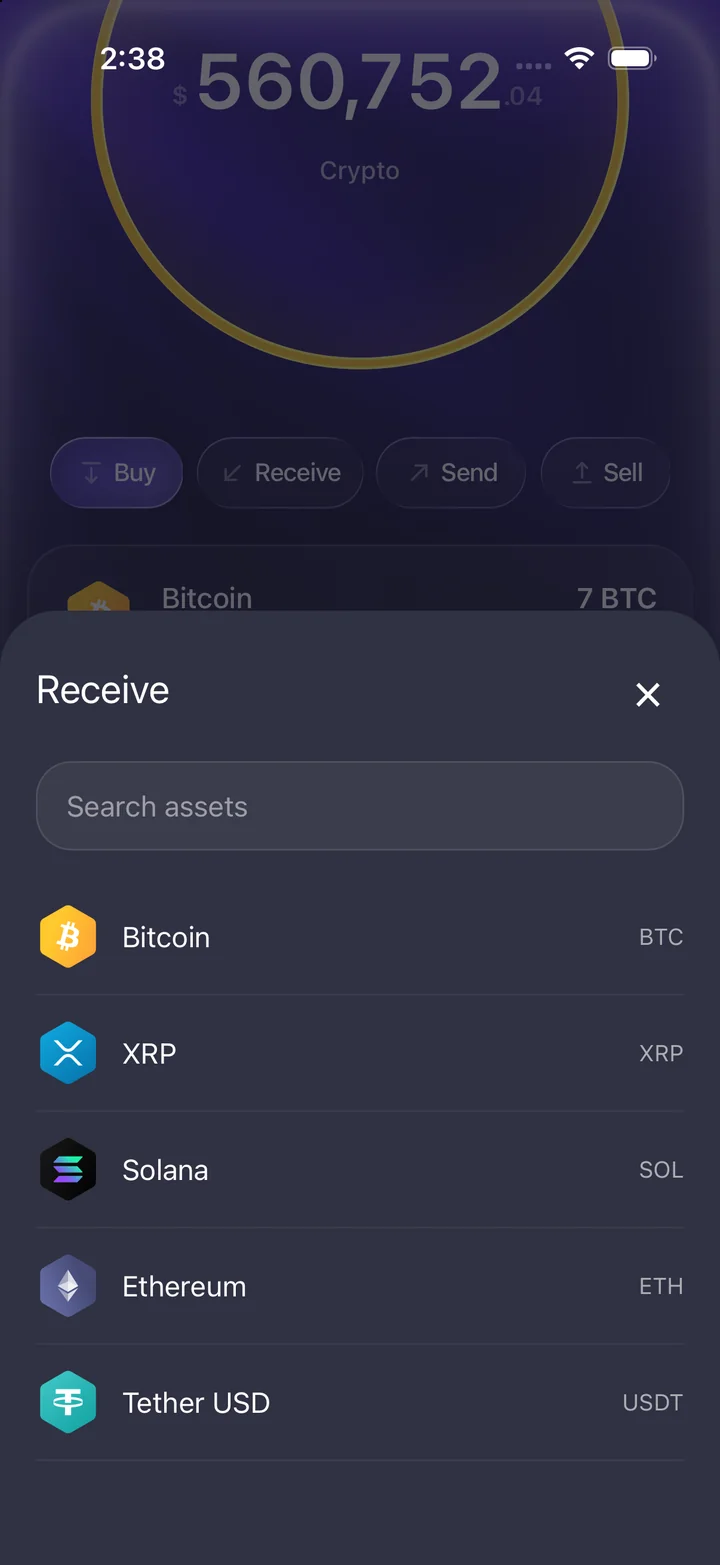
Exodus simulator receive sheet listing Bitcoin, XRP, Solana, Ethereum and USDT.
Receive assetsExodus simulator receive sheet listing Bitcoin, XRP, Solana, Ethereum and USDT.
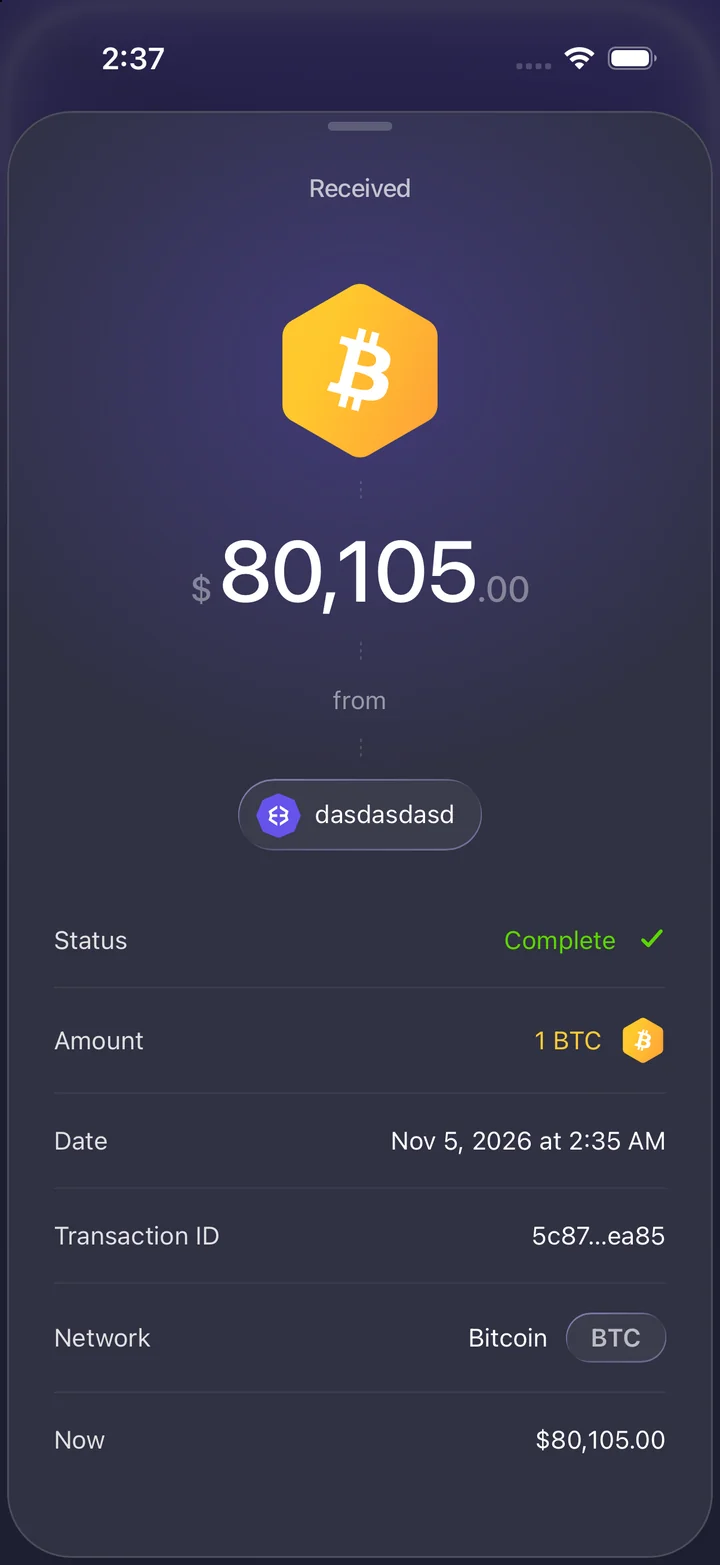
Exodus simulator received Bitcoin transaction with status, amount, date and transaction ID.
Bitcoin receivedExodus simulator received Bitcoin transaction with status, amount, date and transaction ID.

Cash App app features

View the cash balance alongside savings and Bitcoin. Enter a payment on the keypad, browse activity, and open the Cash Card settings.

Get access on Telegram
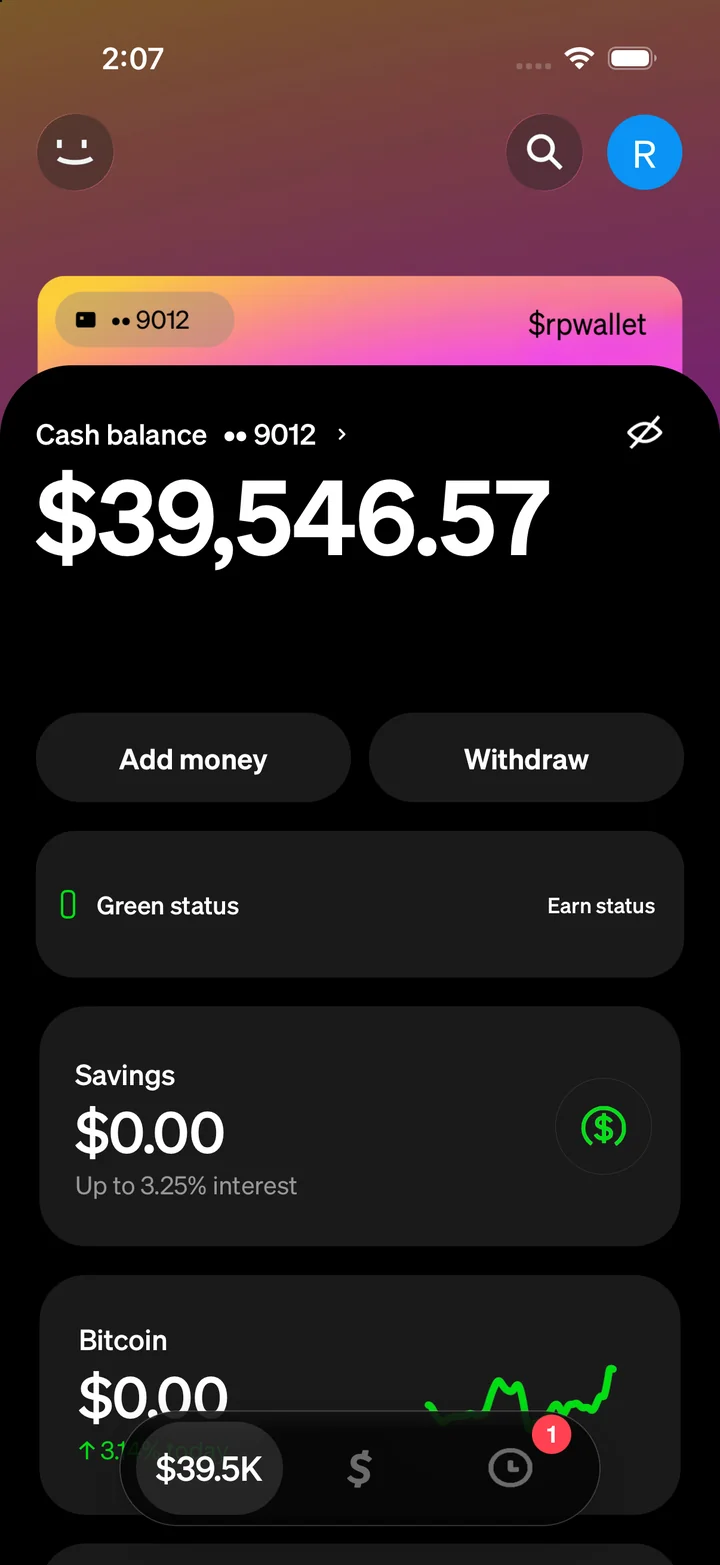
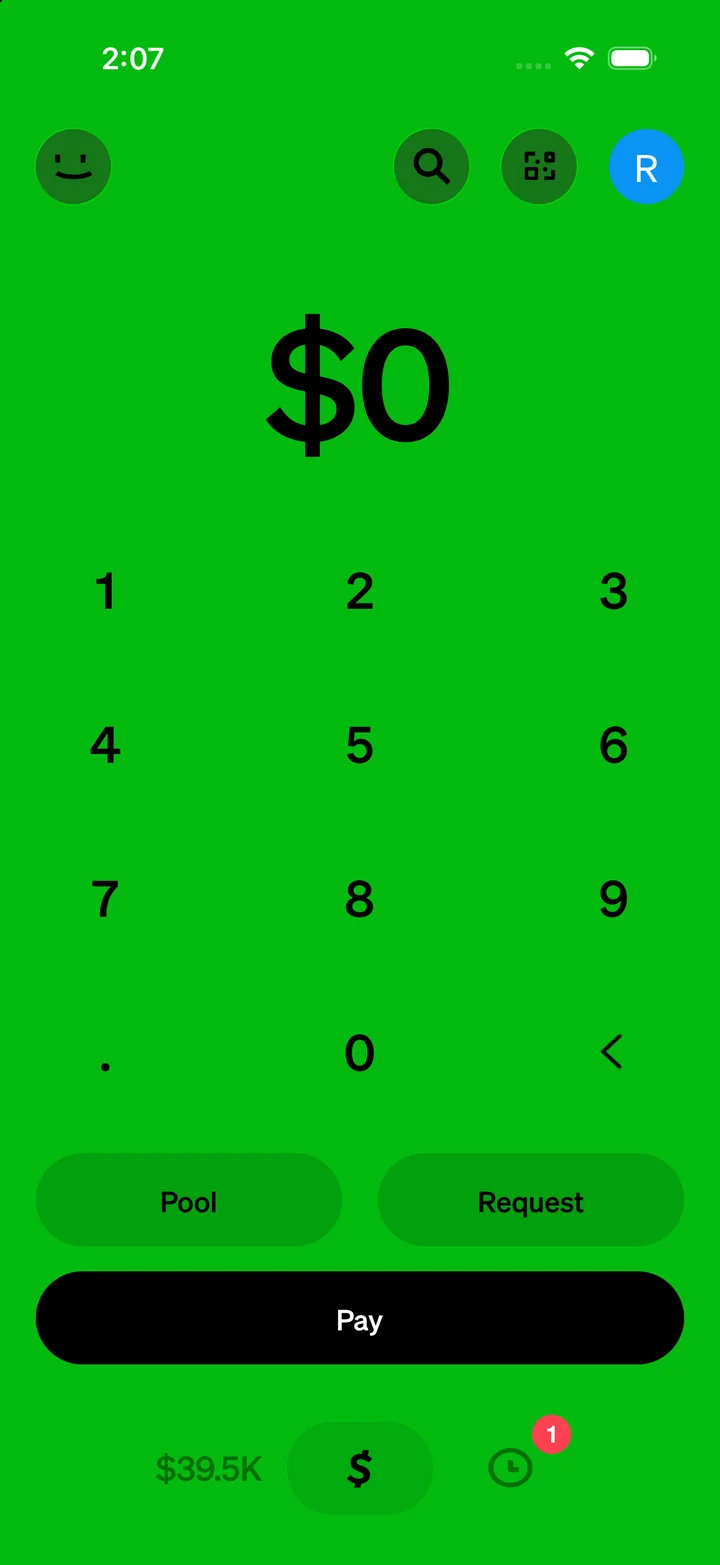
Cash App simulator home with cash balance, savings and Bitcoin sections.
Cash balanceCash App simulator home with cash balance, savings and Bitcoin sections.
Cash App simulator payment keypad with Pay, Request and Pool controls.
PaymentsCash App simulator payment keypad with Pay, Request and Pool controls.
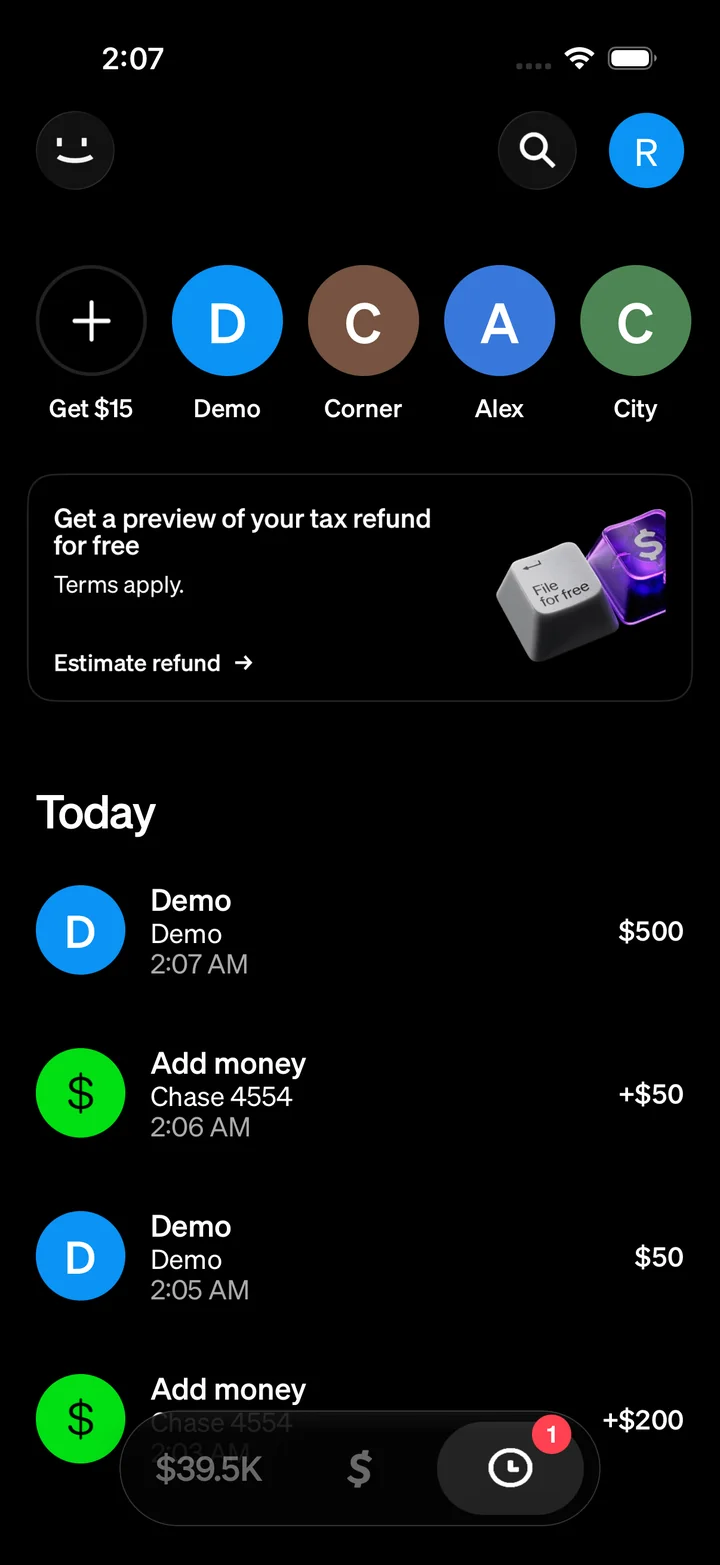
Cash App simulator activity screen with payment and add-money history.
ActivityCash App simulator activity screen with payment and add-money history.
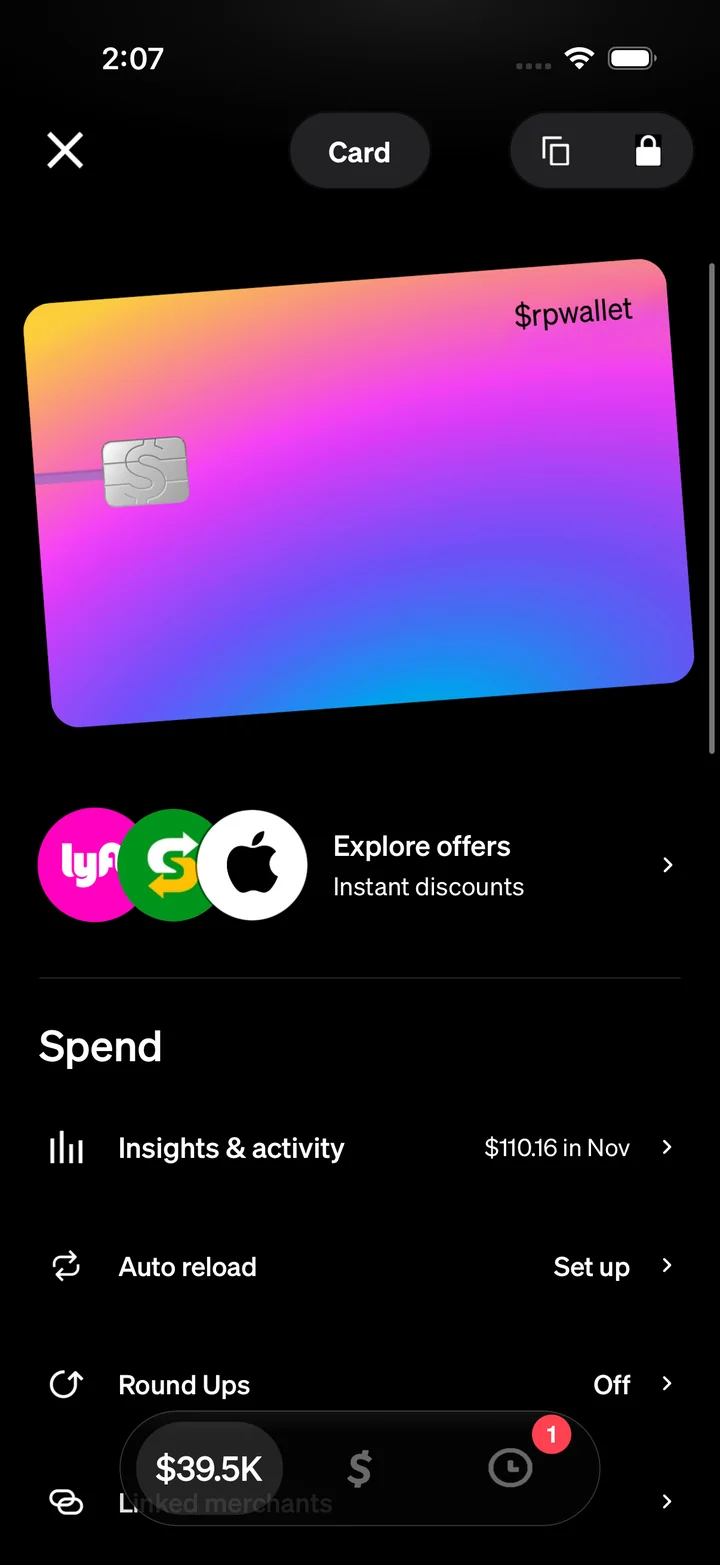
Cash App simulator card screen with a gradient card and spending settings.
Cash cardCash App simulator card screen with a gradient card and spending settings.
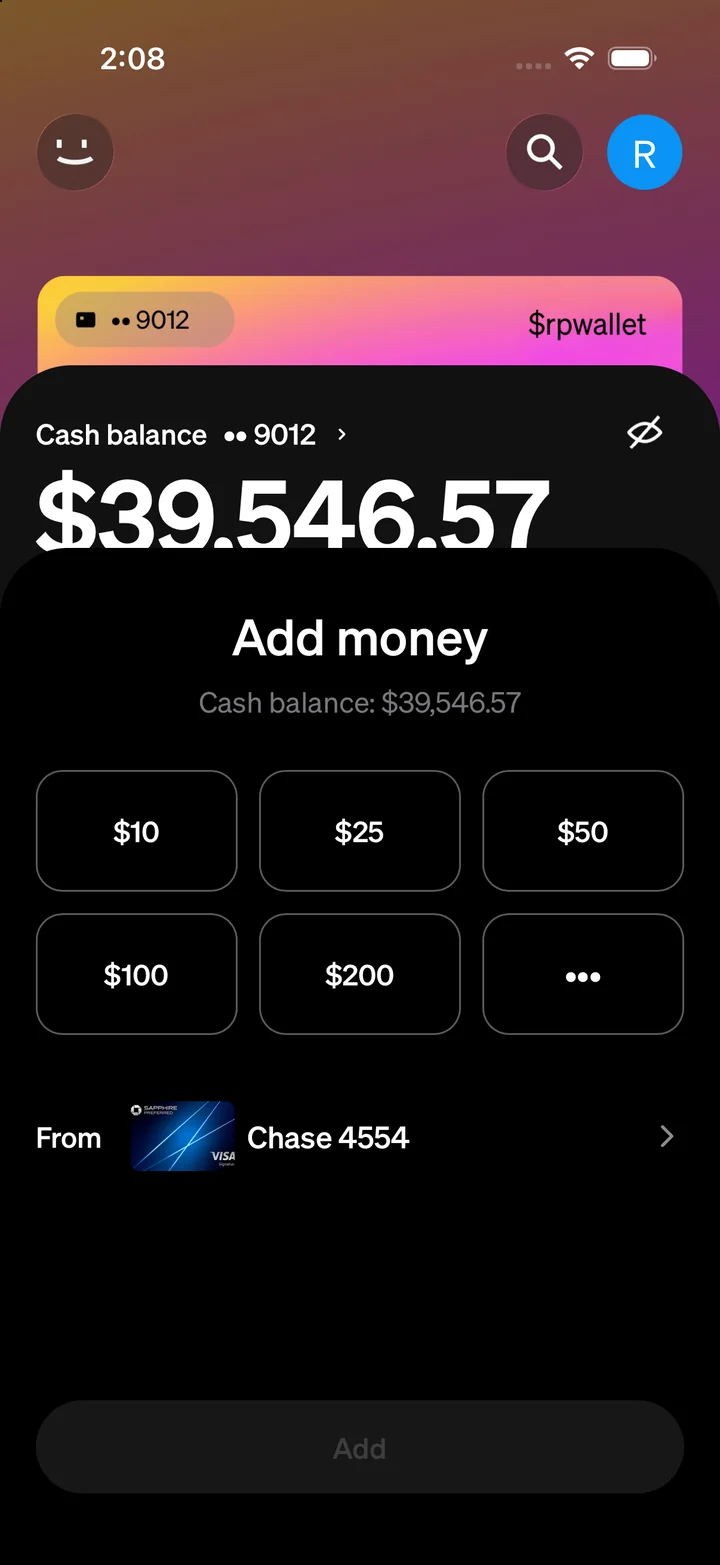
Cash App simulator add-money sheet with preset amounts and a linked account.
Add moneyCash App simulator add-money sheet with preset amounts and a linked account.

Coinbase app features

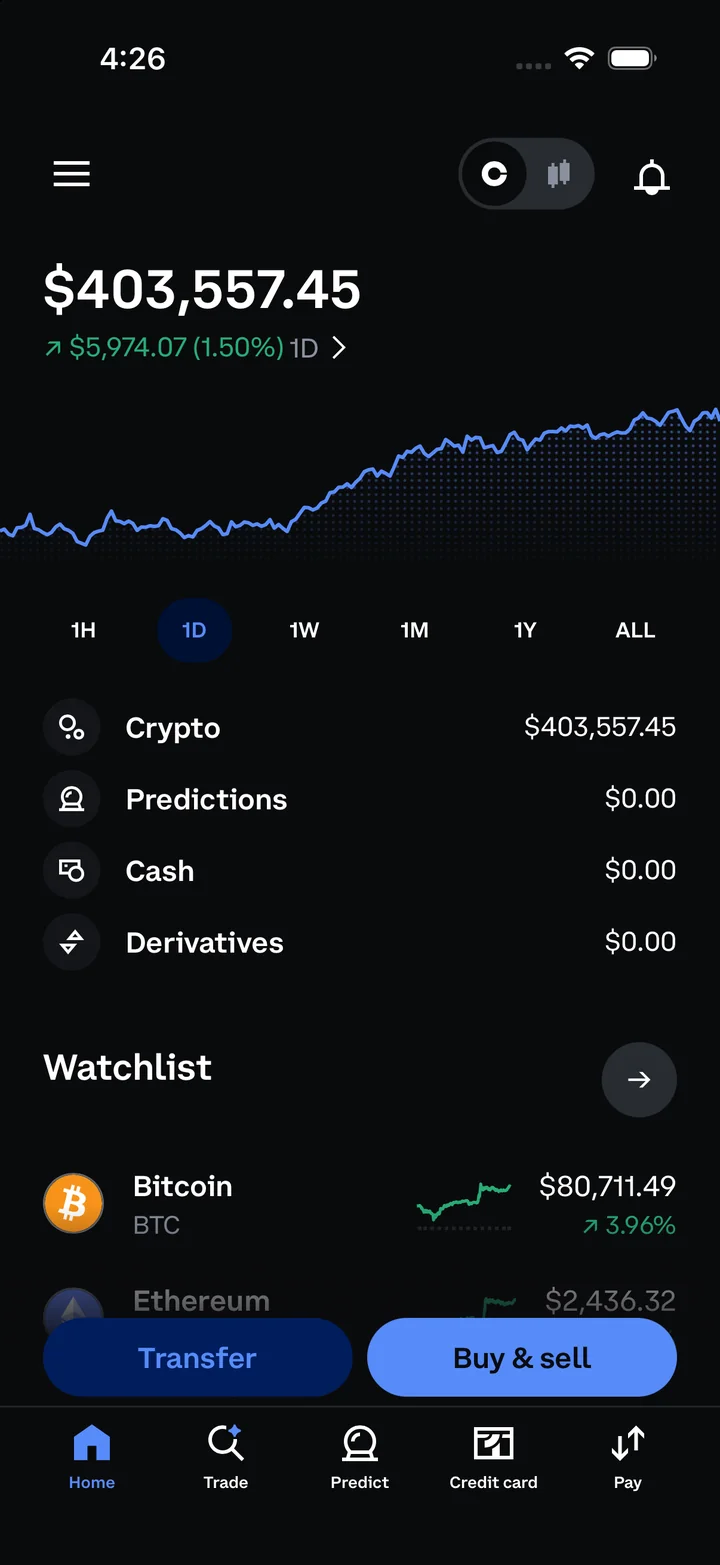
Explore the portfolio chart, asset watchlist, and market pages. Open a Bitcoin position, review spot trading pairs, or walk through the buy screen.

Get access on Telegram
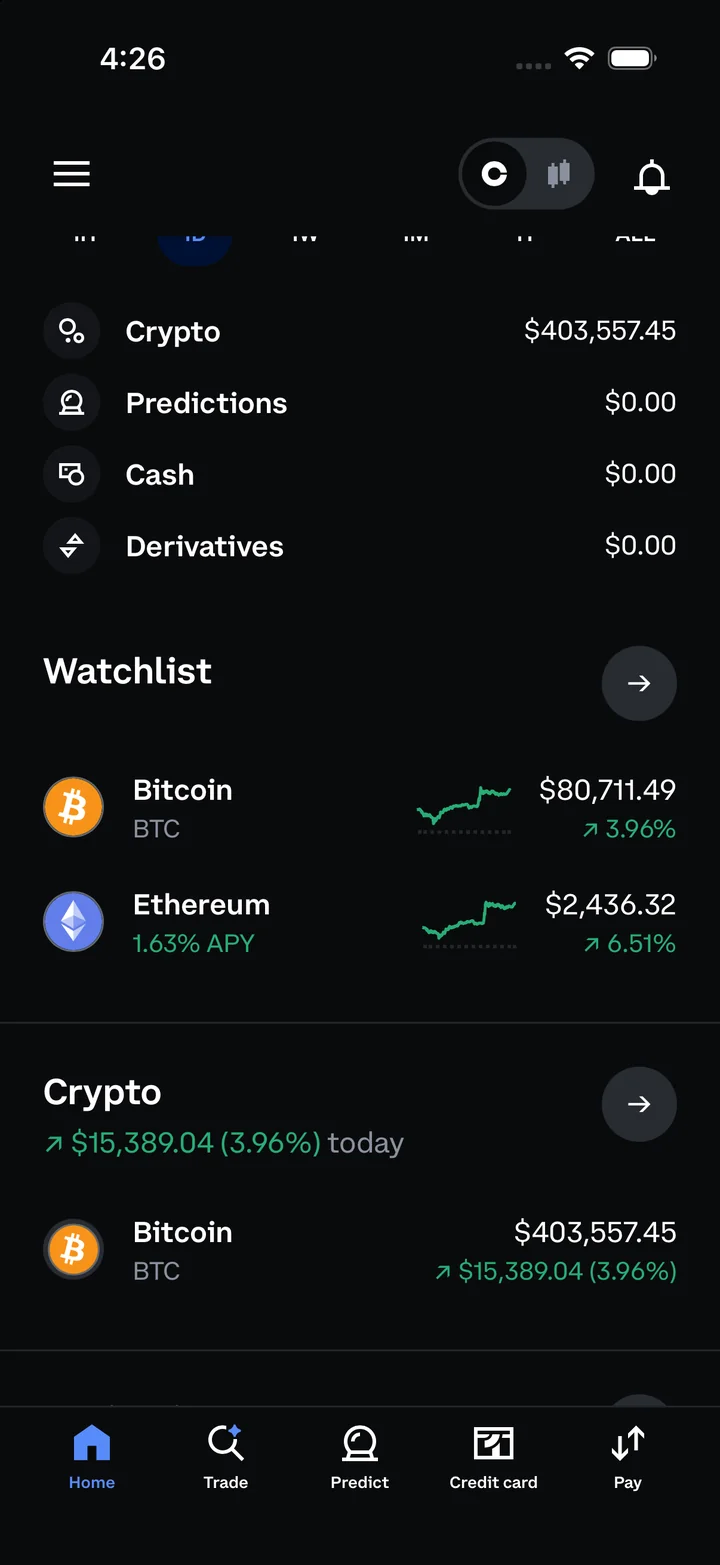
Coinbase simulator portfolio with a total balance, performance chart and account categories.
PortfolioCoinbase simulator portfolio with a total balance, performance chart and account categories.
Coinbase simulator home showing the watchlist and crypto asset holdings.
Watchlist and assetsCoinbase simulator home showing the watchlist and crypto asset holdings.
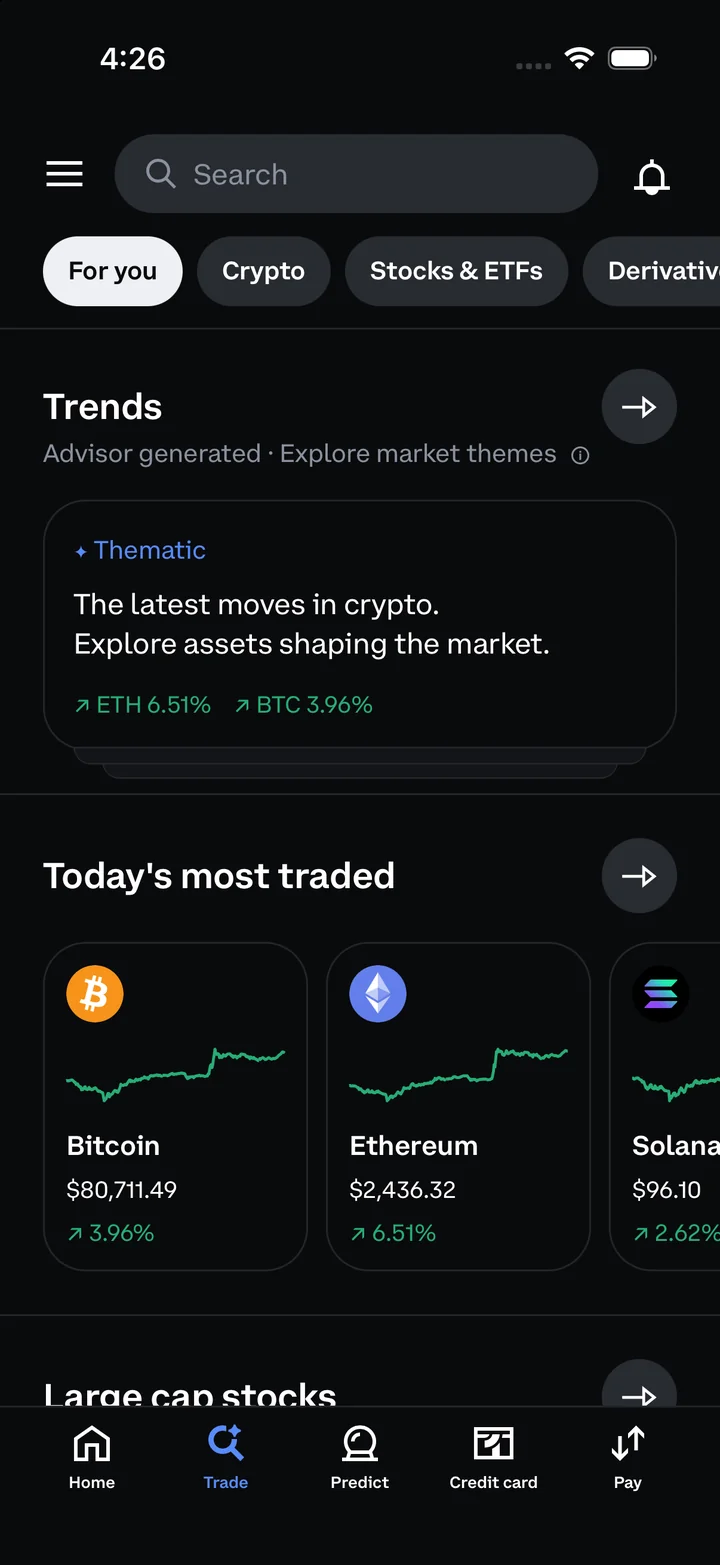
Coinbase simulator Trade tab with market trends and most-traded assets.
Explore marketsCoinbase simulator Trade tab with market trends and most-traded assets.
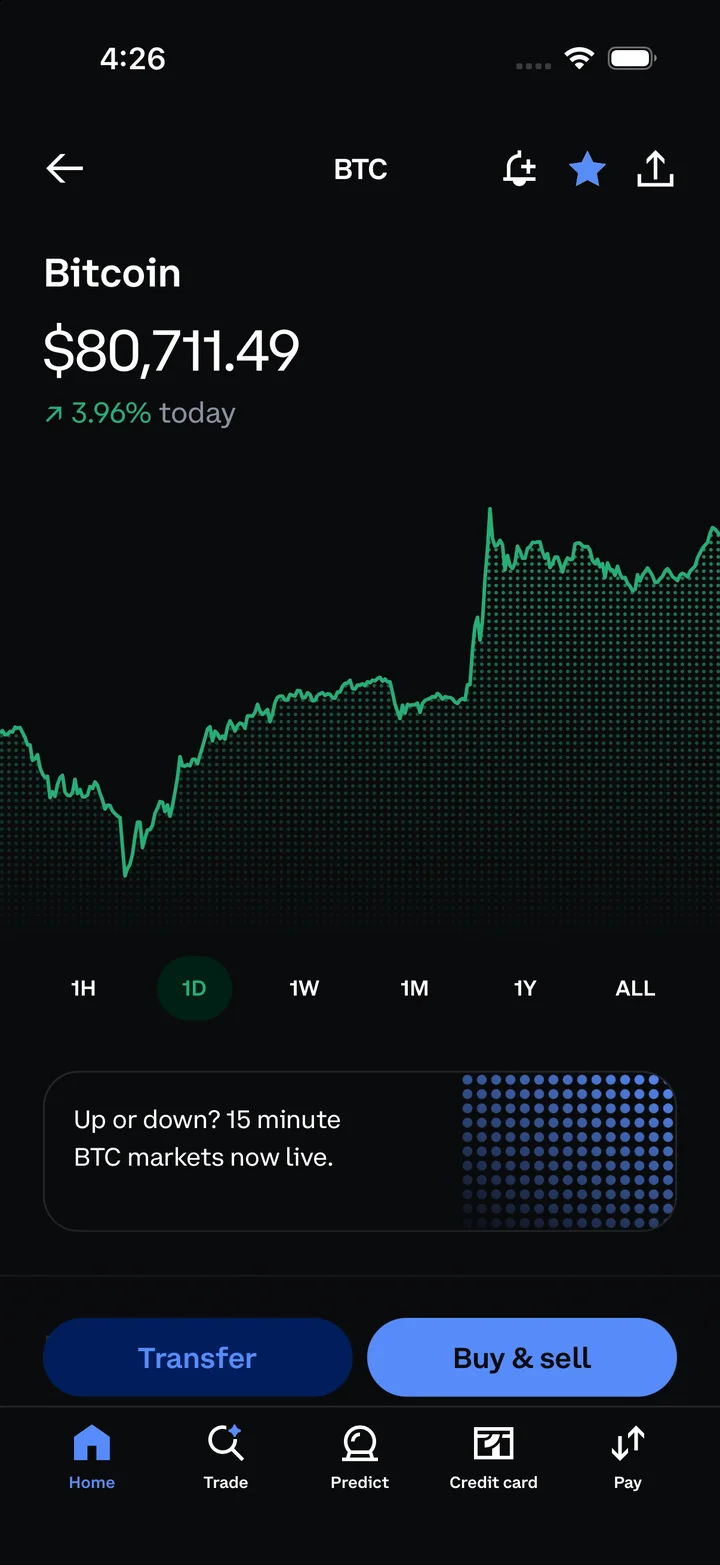
Coinbase simulator Bitcoin detail page with its price and performance chart.
Bitcoin detailsCoinbase simulator Bitcoin detail page with its price and performance chart.
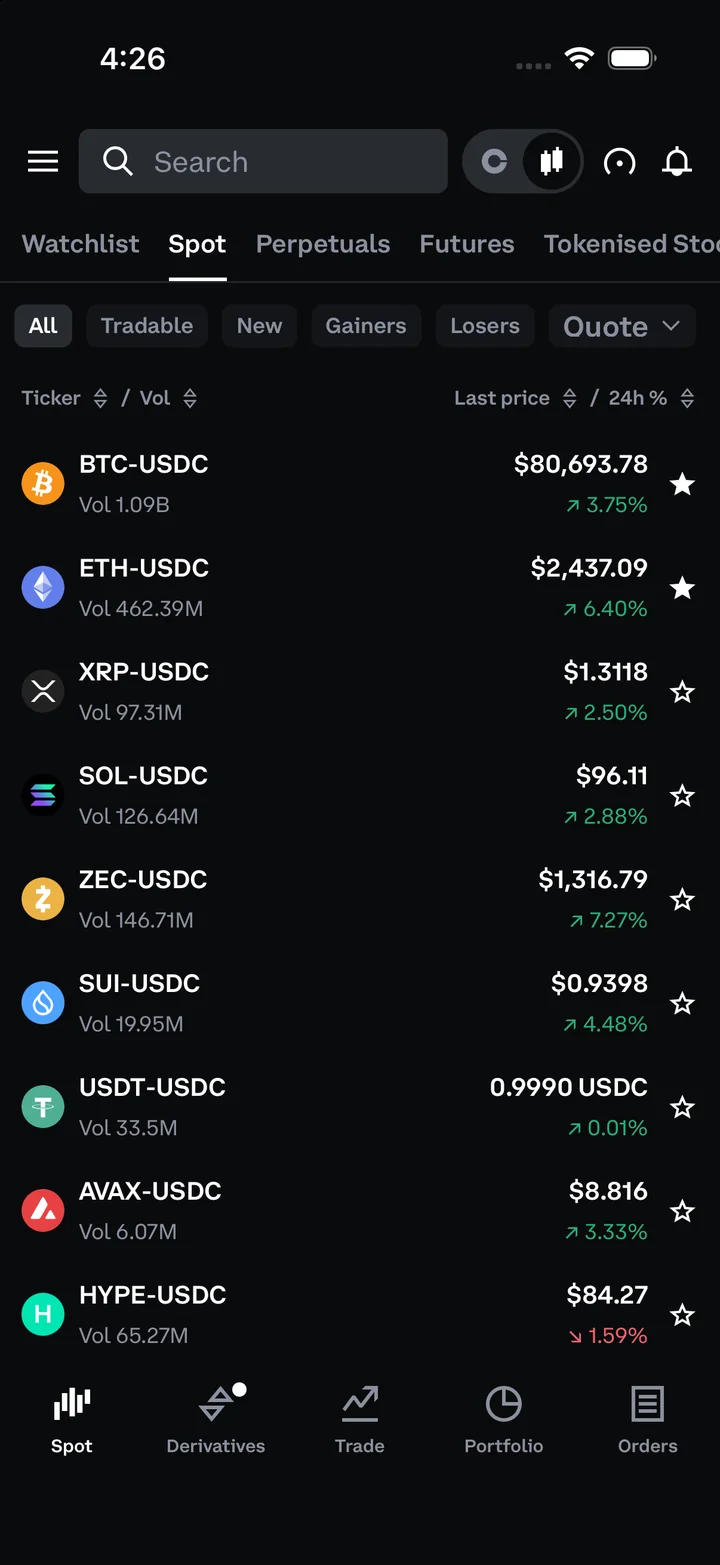
Coinbase simulator advanced trading screen listing spot market pairs and prices.
Advanced tradingCoinbase simulator advanced trading screen listing spot market pairs and prices.
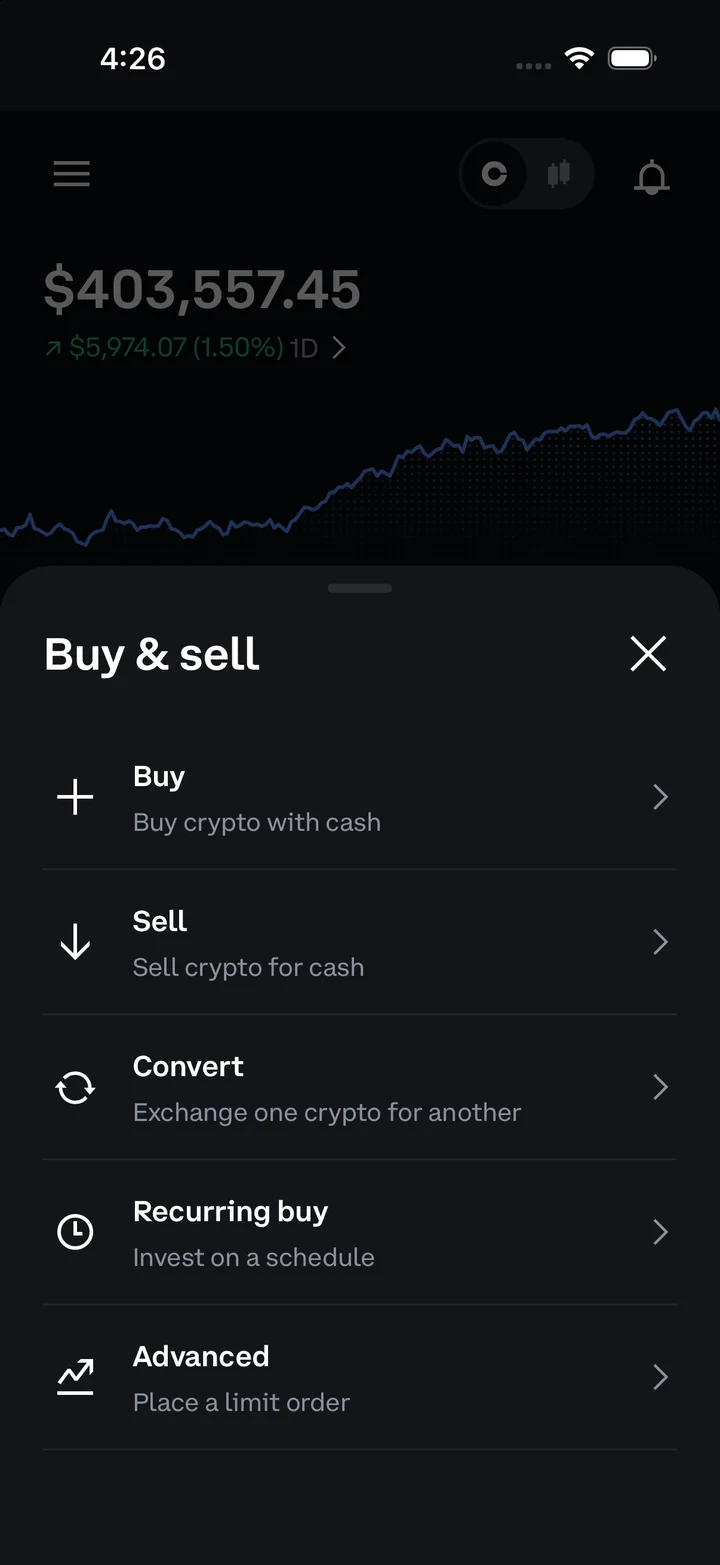
Coinbase simulator buy and sell menu with buy, sell, convert and recurring-buy options.
Buy and sellCoinbase simulator buy and sell menu with buy, sell, convert and recurring-buy options.
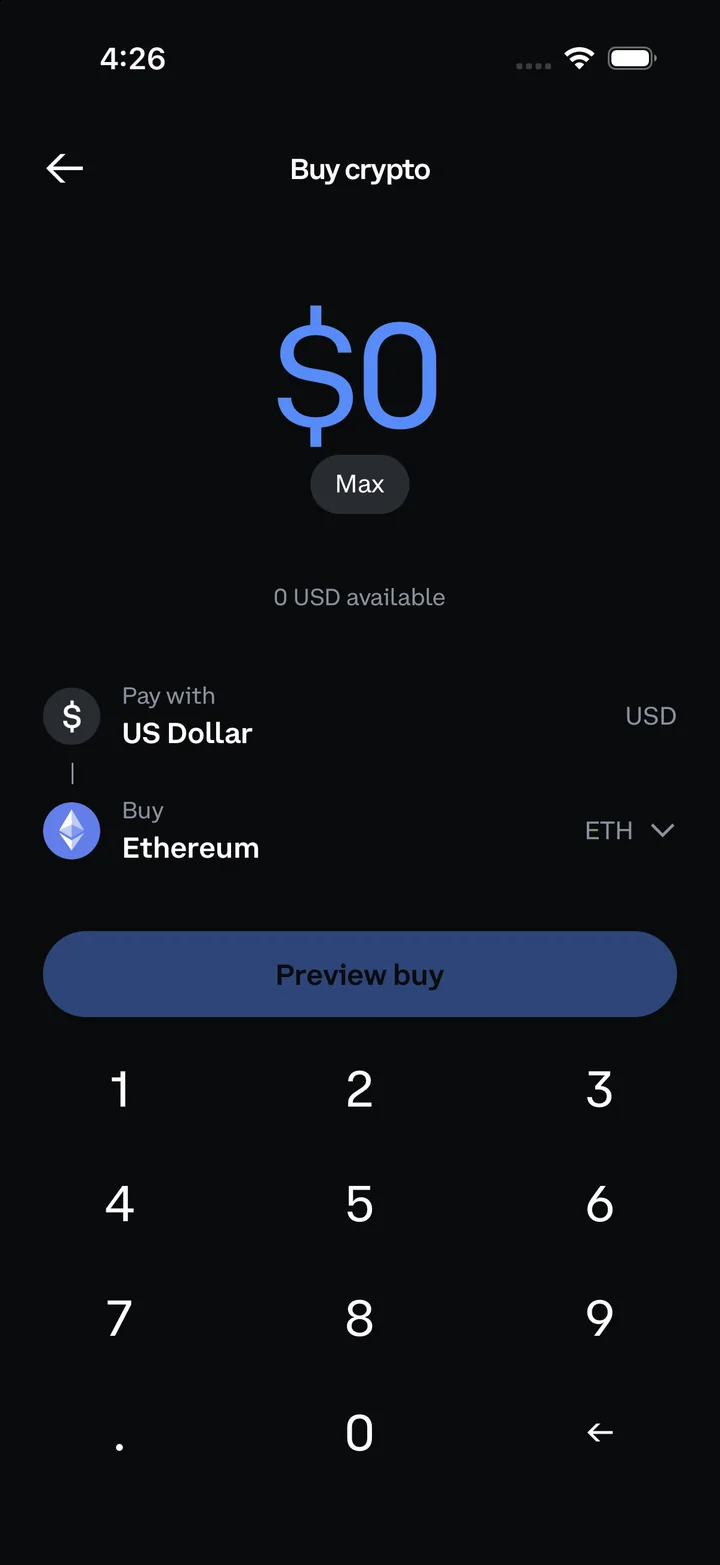
Coinbase simulator buy screen with Ethereum selected and an amount keypad.
Buy cryptoCoinbase simulator buy screen with Ethereum selected and an amount keypad.

Fomo app features

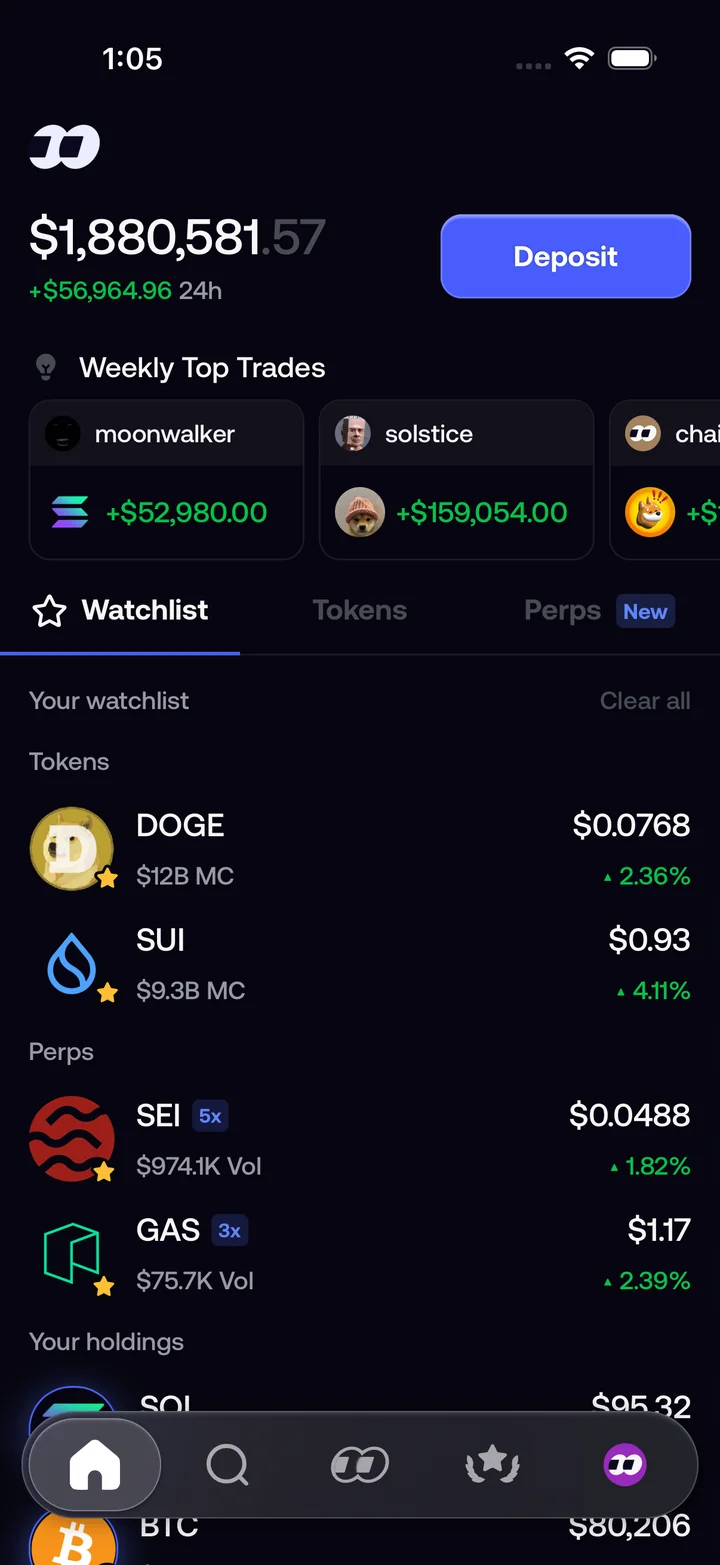
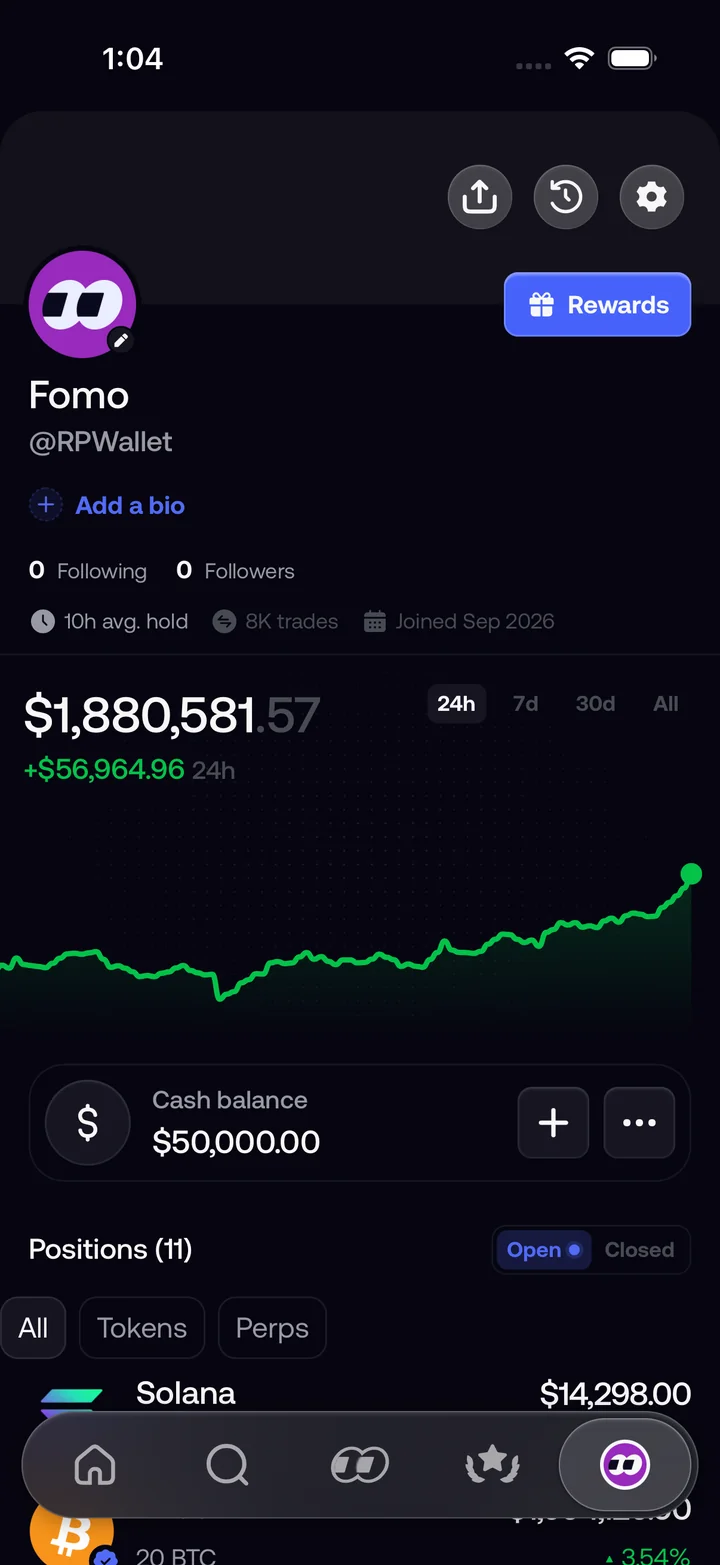
Browse weekly top trades and watchlisted tokens. Inspect a position’s value and returns, then preview its share card.

Get access on Telegram
Fomo simulator home with weekly top trades, a watchlist and token holdings.
Home and watchlistFomo simulator home with weekly top trades, a watchlist and token holdings.
Fomo simulator profile with portfolio history, cash balance and positions.
Profile and positionsFomo simulator profile with portfolio history, cash balance and positions.
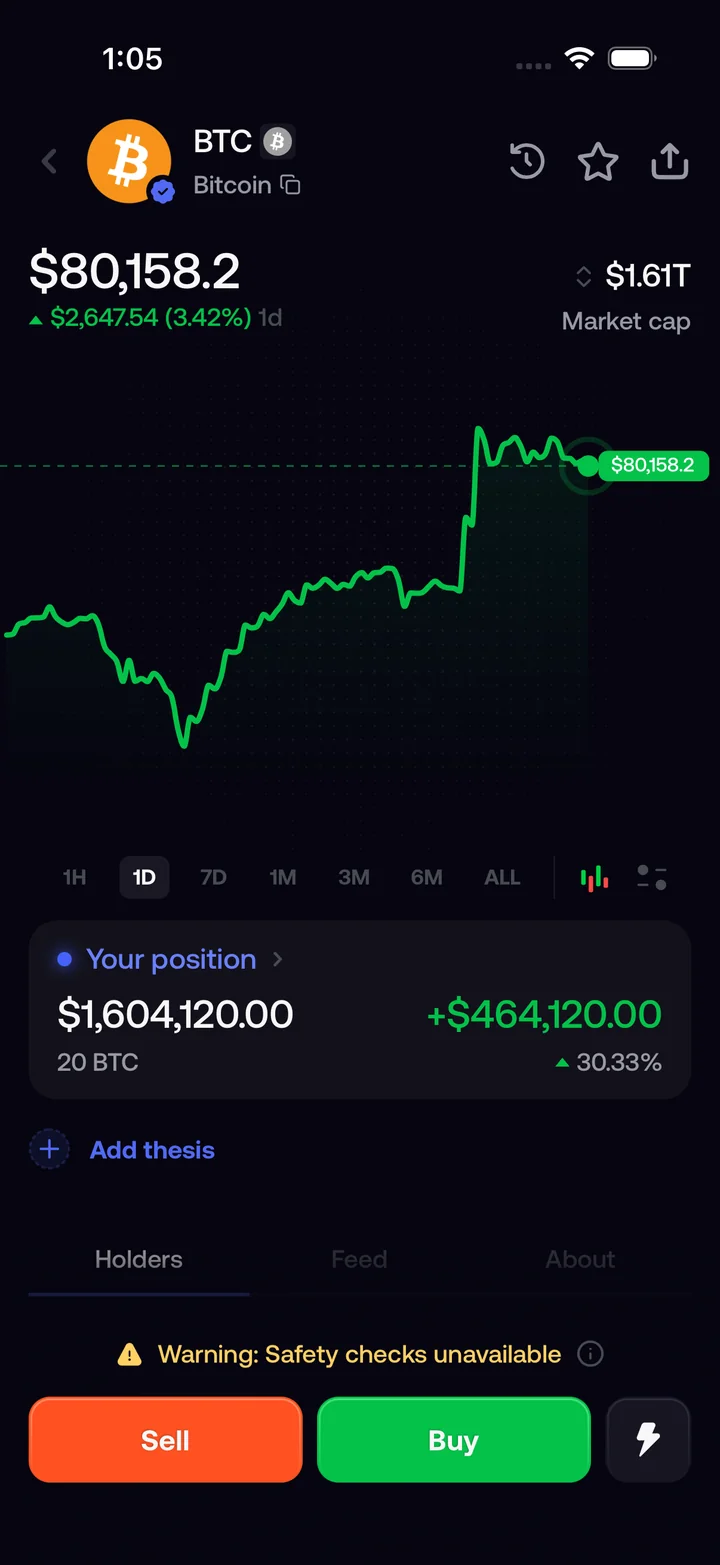
Fomo simulator Bitcoin page showing its chart, position value and returns.
Bitcoin positionFomo simulator Bitcoin page showing its chart, position value and returns.
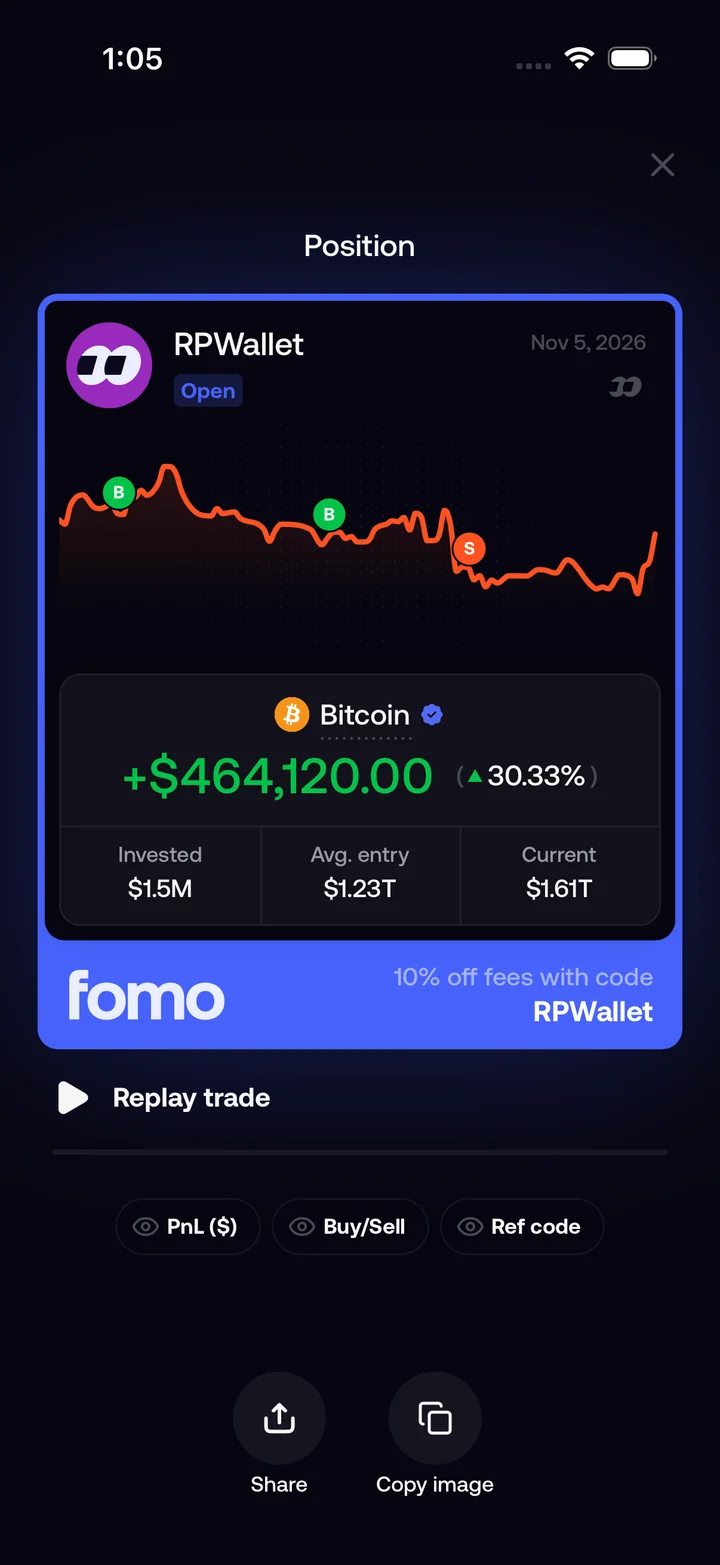
Fomo simulator position share card with Bitcoin returns and share controls.
Share your positionFomo simulator position share card with Bitcoin returns and share controls.
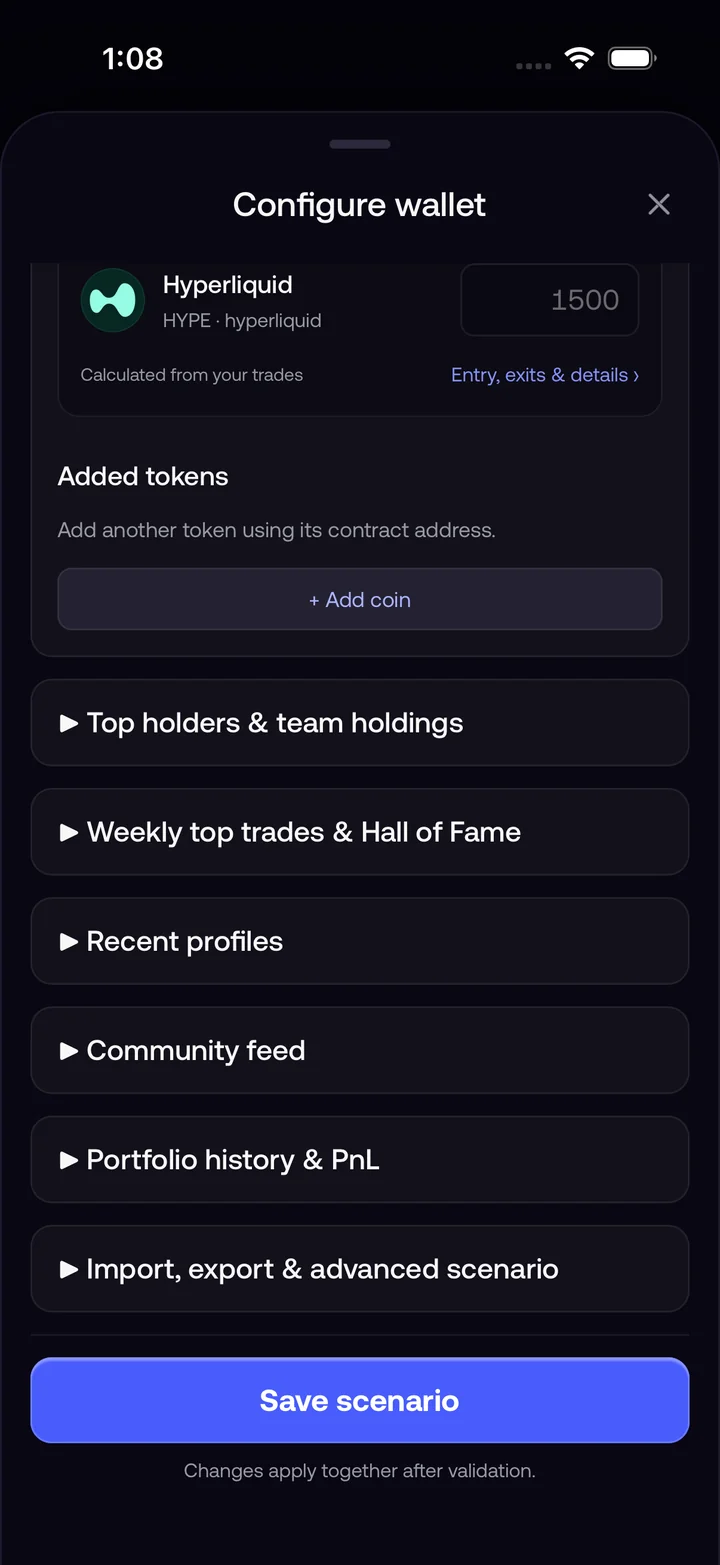
Fomo simulator wallet configuration with token settings and scenario options.
Configure walletFomo simulator wallet configuration with token settings and scenario options.
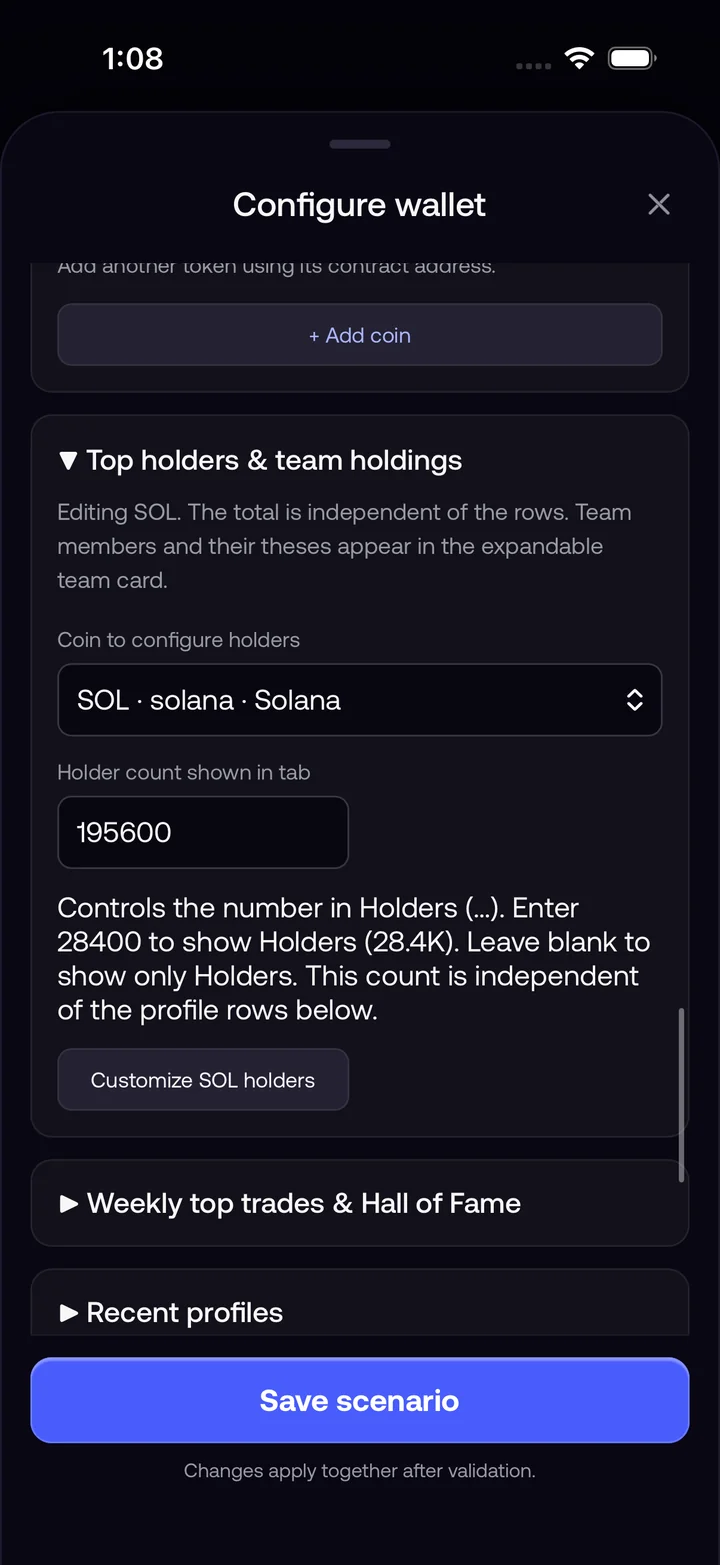
Fomo simulator configuration screen showing holder-count controls and team holdings.
Holder settingsFomo simulator configuration screen showing holder-count controls and team holdings.

Revolut app features

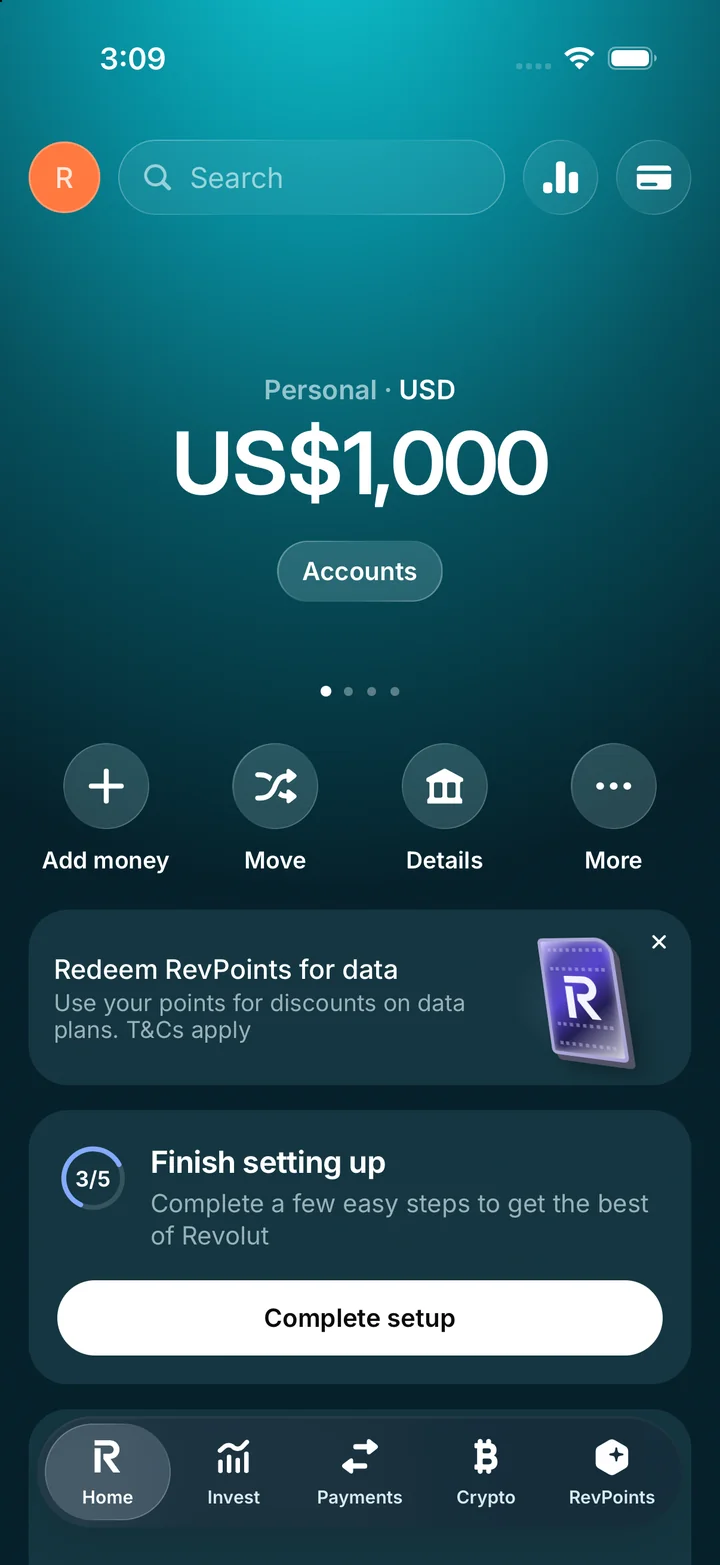
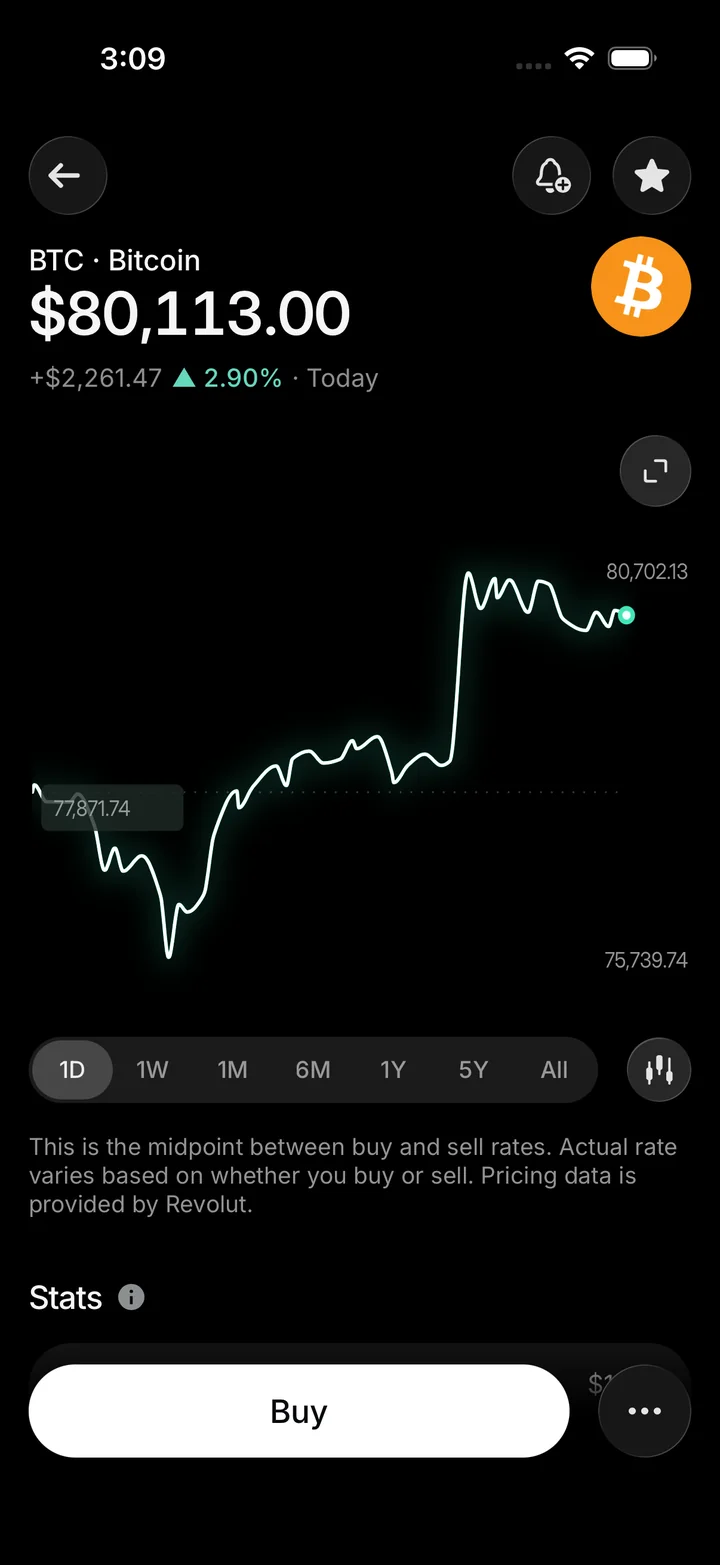
Switch between accounts, payments, investments, and crypto. Browse scheduled payments or open the Bitcoin chart from the crypto portfolio.

Get access on Telegram
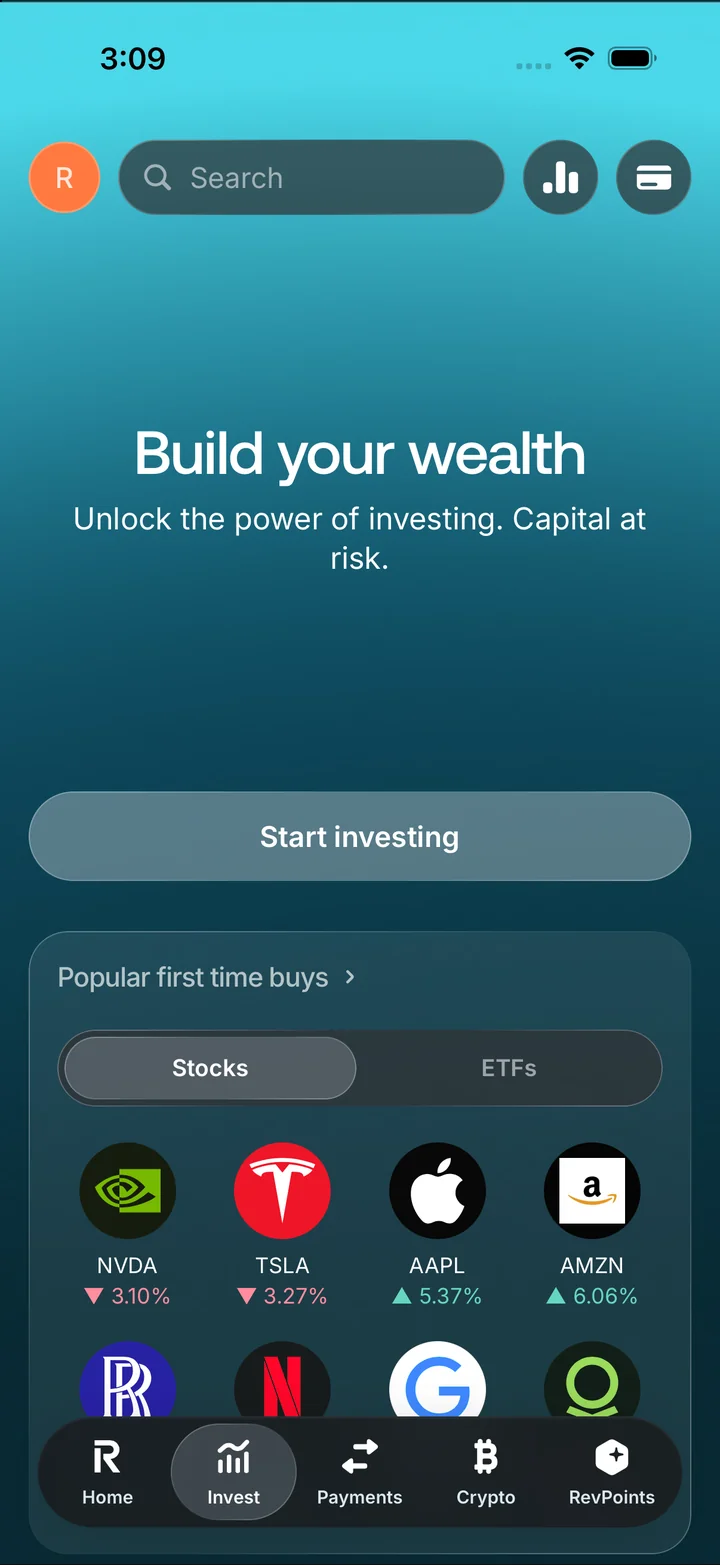
Revolut simulator home with its account balance and money-management actions.
HomeRevolut simulator home with its account balance and money-management actions.
Revolut simulator Invest tab with a starting-investment prompt and stock listings.
InvestRevolut simulator Invest tab with a starting-investment prompt and stock listings.
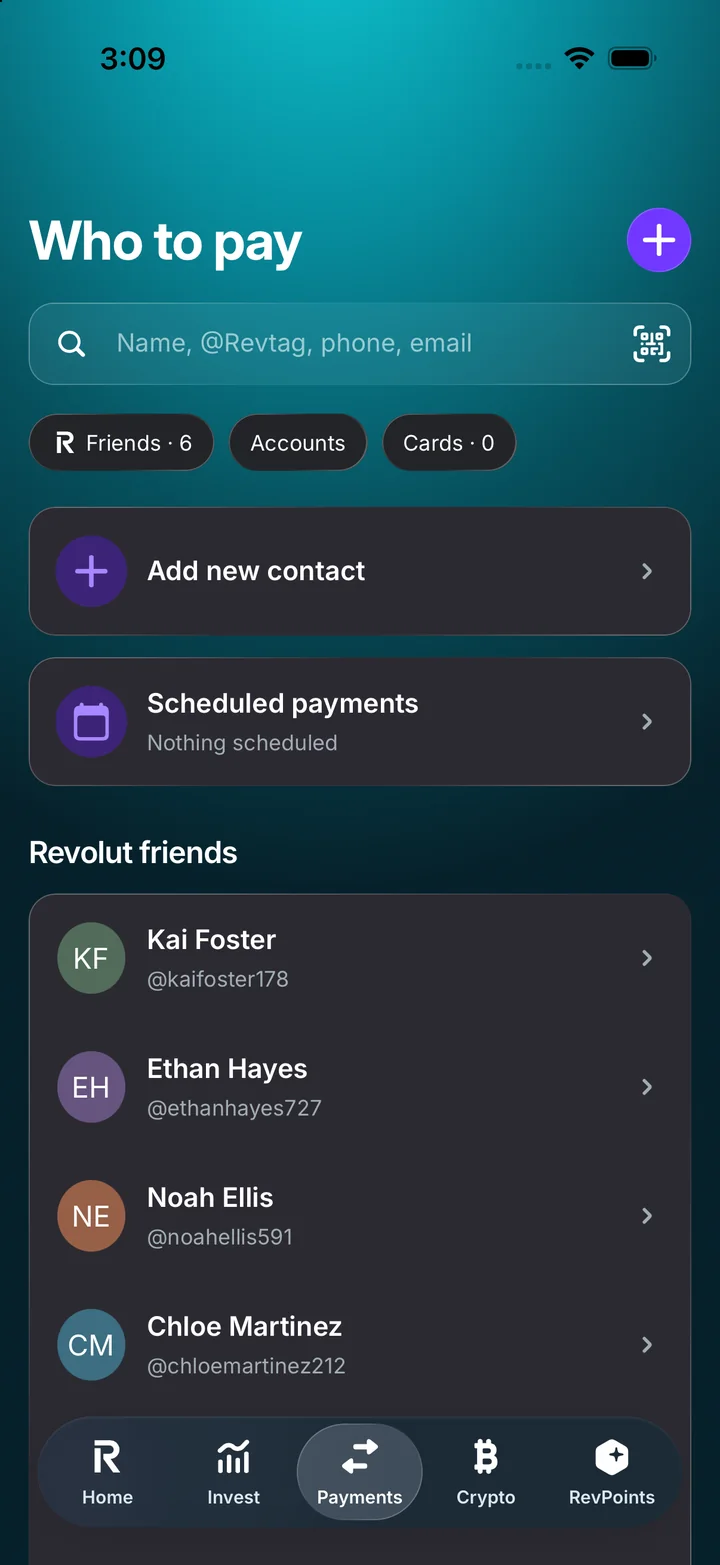
Revolut simulator Payments tab with contacts and scheduled-payment controls.
PaymentsRevolut simulator Payments tab with contacts and scheduled-payment controls.
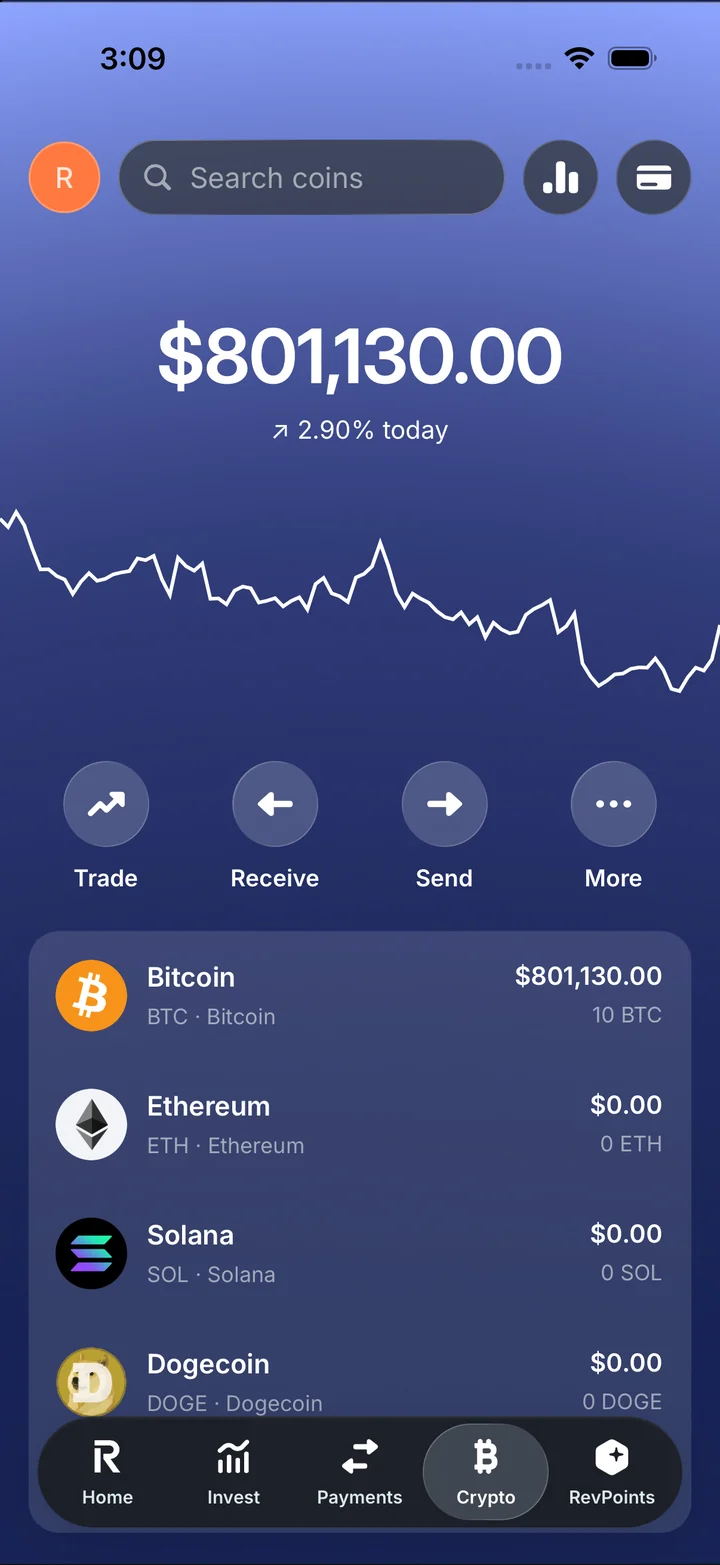
Revolut simulator Crypto tab with a portfolio chart and coin holdings.
Crypto portfolioRevolut simulator Crypto tab with a portfolio chart and coin holdings.
Revolut simulator Bitcoin detail page with a price chart and buy action.
Bitcoin detailsRevolut simulator Bitcoin detail page with a price chart and buy action.
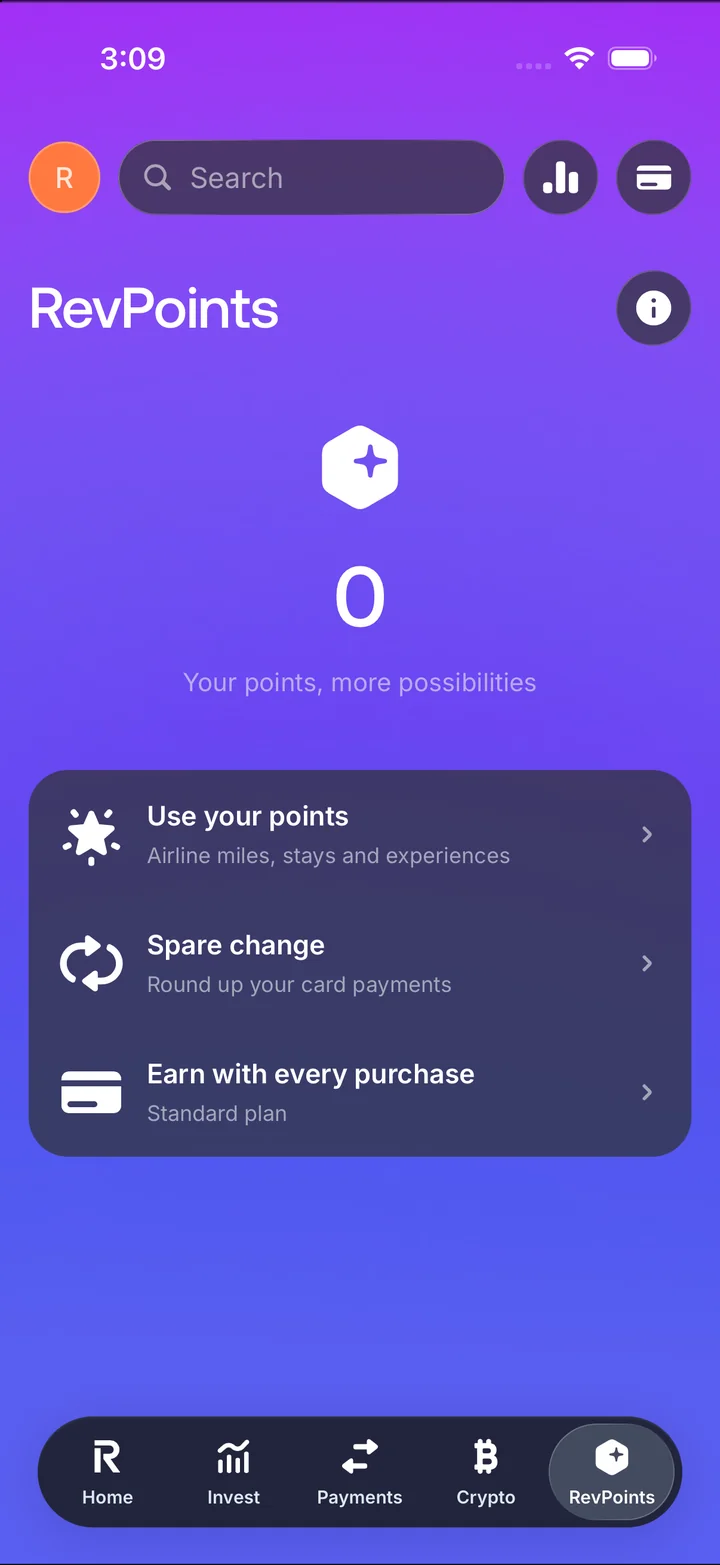
Revolut simulator RevPoints tab with points balance and rewards settings.
RevPointsRevolut simulator RevPoints tab with points balance and rewards settings.

Shopify app features

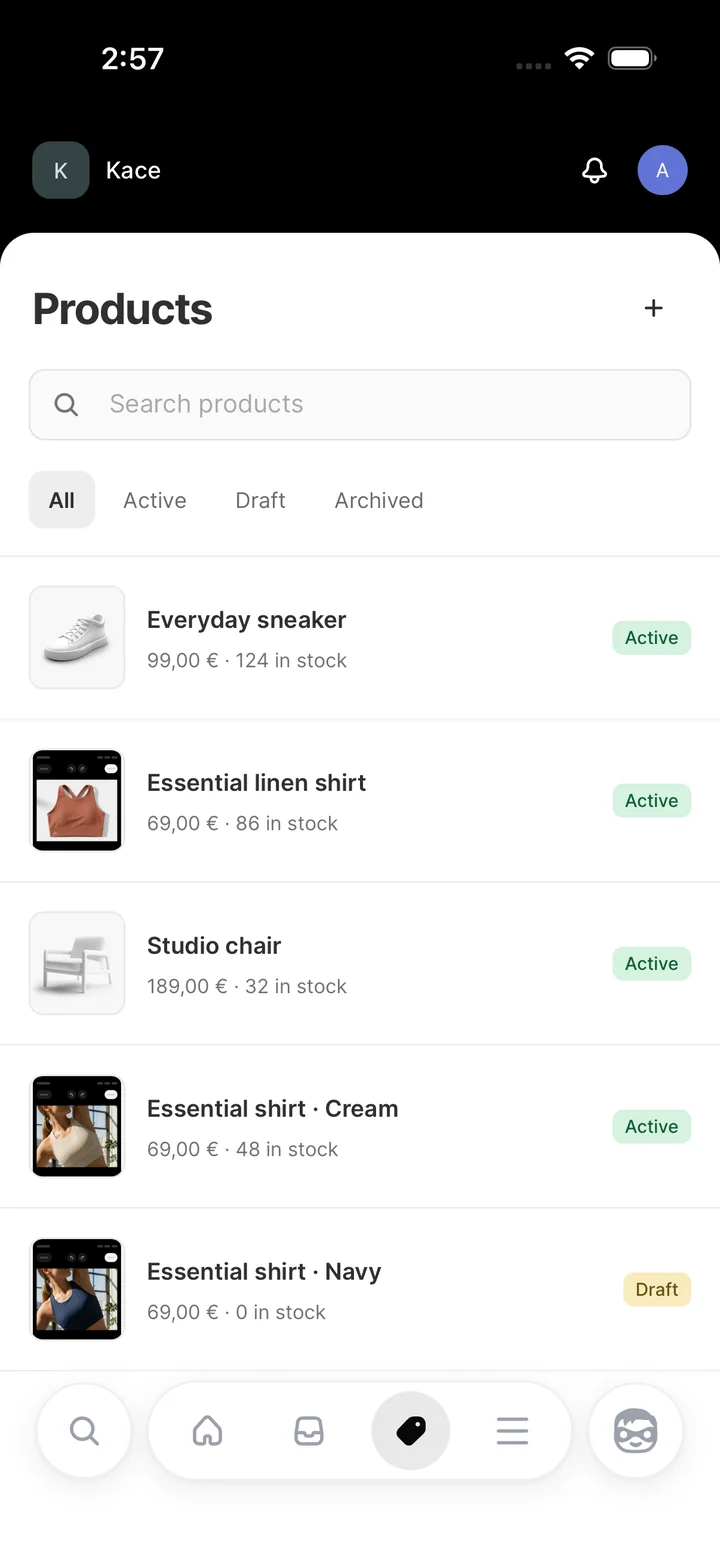
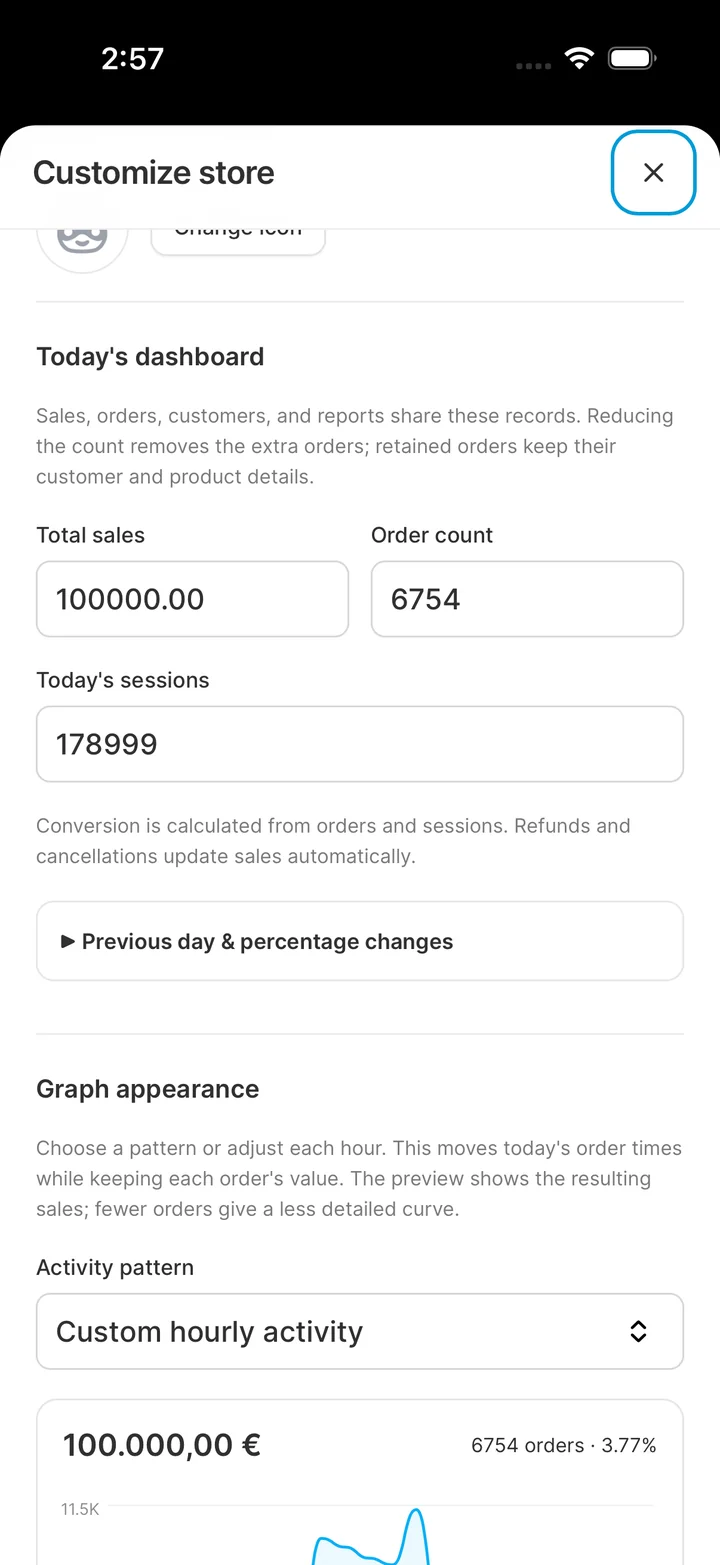
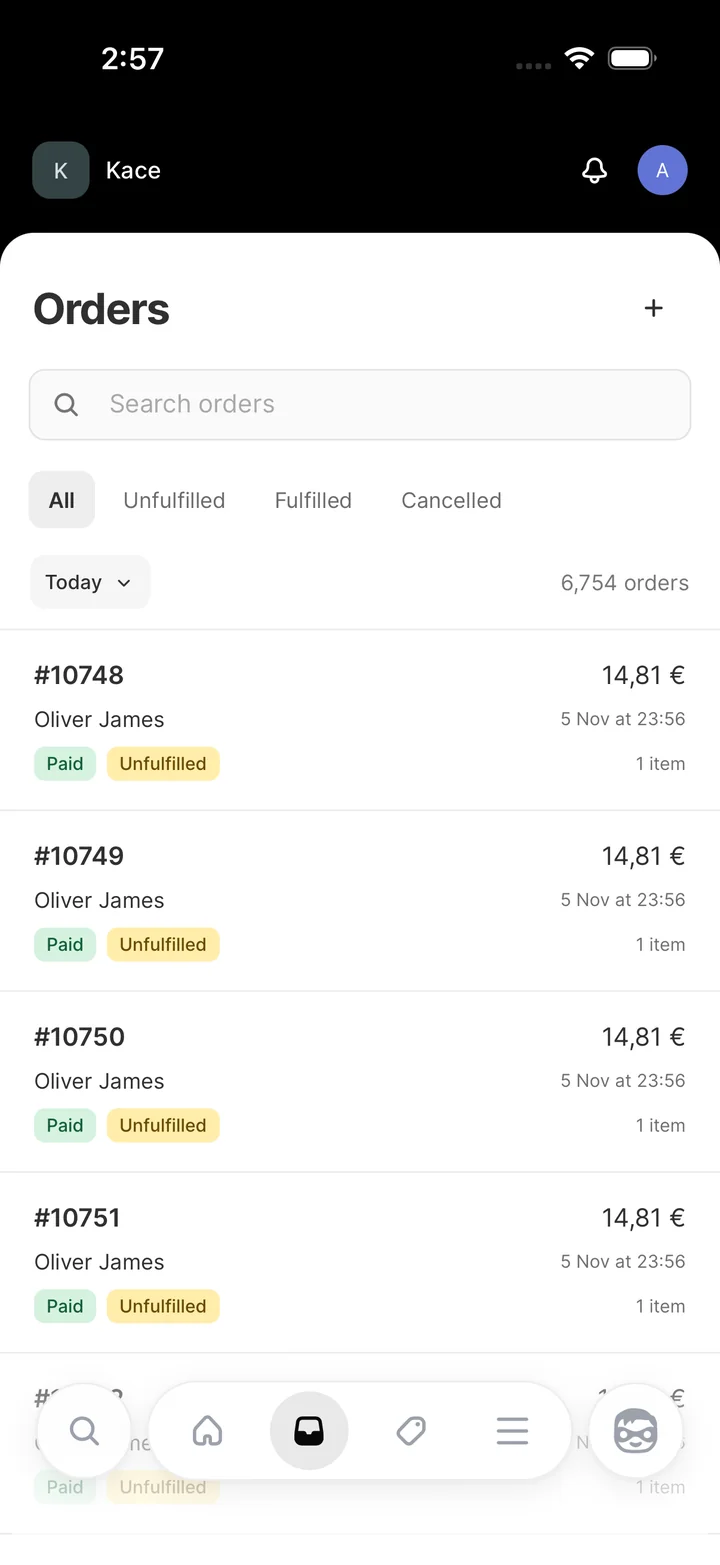
Set demo sales, order totals, and sessions on the store dashboard. Browse orders by status and open the product catalog to review inventory.

Get access on Telegram
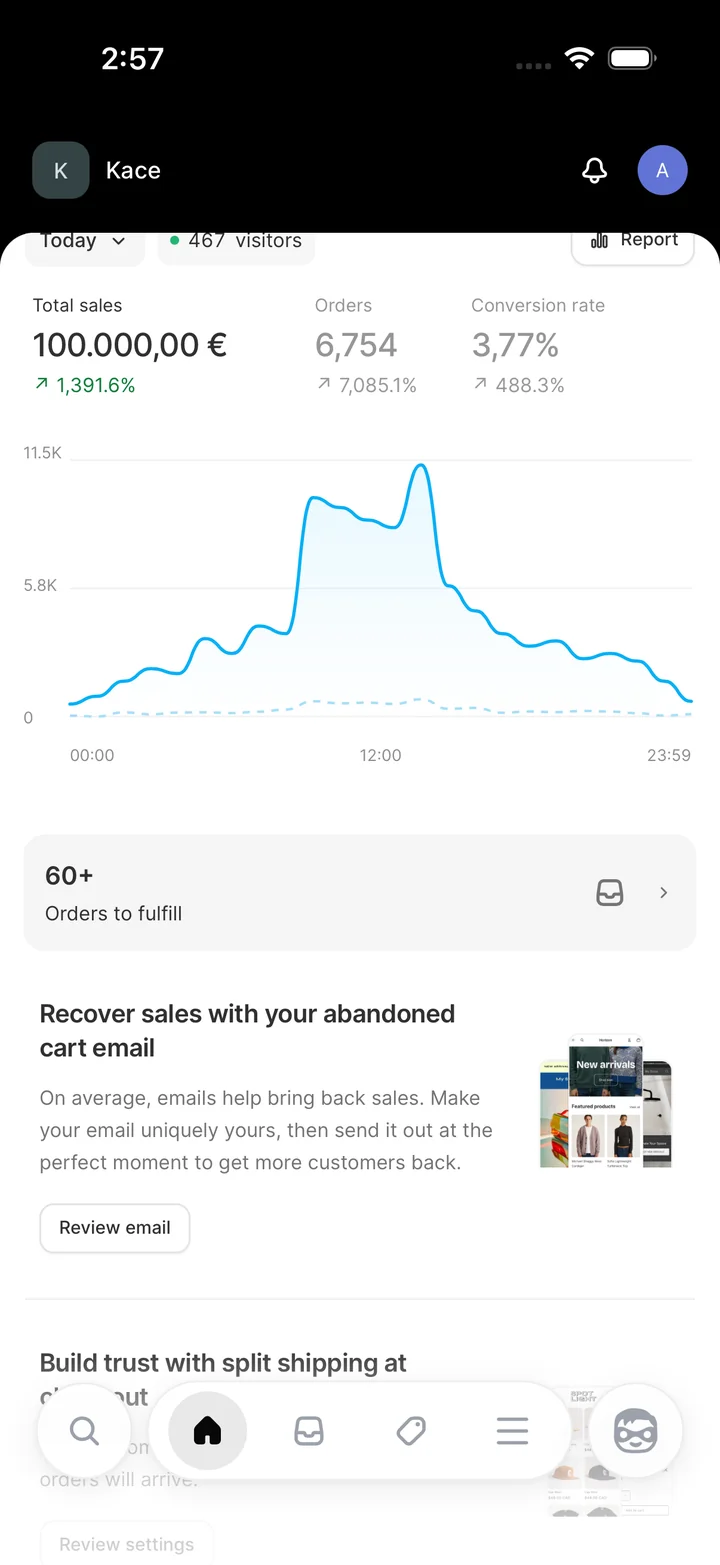
Shopify simulator store dashboard with sales, order totals and a sales chart.
Store dashboardShopify simulator store dashboard with sales, order totals and a sales chart.
Shopify simulator orders screen with order statuses, totals and filters.
OrdersShopify simulator orders screen with order statuses, totals and filters.
Shopify simulator product list with item images, prices and availability.
ProductsShopify simulator product list with item images, prices and availability.
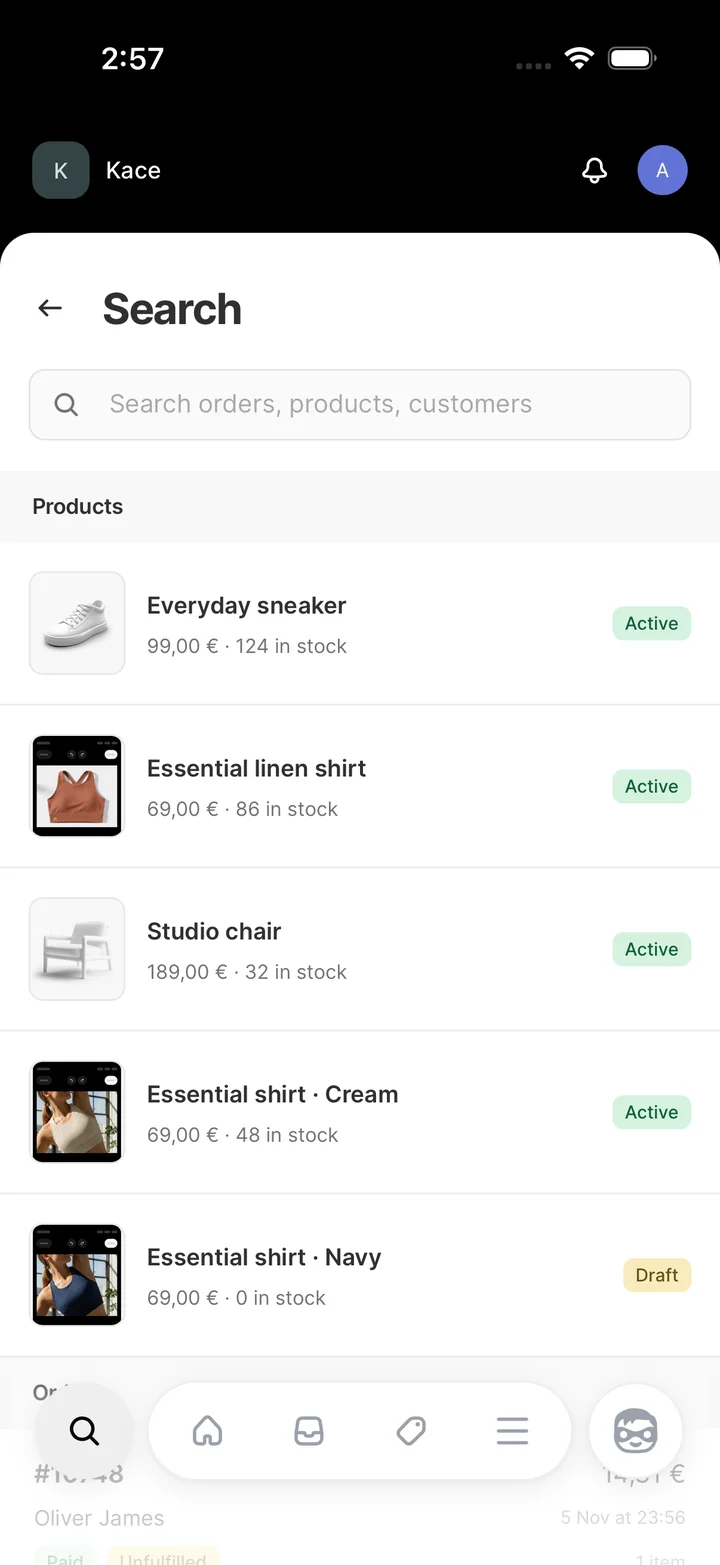
Shopify simulator search screen showing product results.
SearchShopify simulator search screen showing product results.
Shopify simulator store configuration with editable sales, orders, sessions and chart settings.
Customize storeShopify simulator store configuration with editable sales, orders, sessions and chart settings.

How it works

How RP Wallet Works

  1. Purchase a License

    Open RP Wallet on Telegram ↗ to choose your app and plan.

  2. Receive Your Key

    After purchase, you’ll receive your license key and setup instructions. Keep your key handy.

  3. Activate & Flex

    Open your app, enter your license key, and customize the portfolio you want to show.

Community reviews

In their own words.

Read all vouches
like how does a web app feel 100% native with zero frame drops???
Telegram member
the best customer support, God bless
Telegram member
10/10 app btw gonna continue on buying
Telegram member
best larp wallet hands down
Telegram member
support fast asf too fixed in 2 mins
Telegram member
crazy fast dev work im telling all my boys about this
Telegram member
bro exodus is perfection holy shit
Telegram member
legit the only dev in this whole telegram space that actually knows what hes doing
Telegram member
Bro how does this web app literally feel like an installed native IPA?
Telegram member
Phantom is crazy close fr. The animations are working too
Telegram member
replied in like 30 seconds and sorted my key. w support
Telegram member
bro how are the animations this smooth wtf? feels like a real app
Telegram member
Key worked immediately, thanks g.
Telegram member
Yooo key activated smoothly. Everything works super clean, no issues at all thanks.
Telegram member

Questions

What people ask us

What is a larp wallet?

A larp wallet is a simulator you can use to film a wallet screen for a skit, tutorial, or product demo. You choose the balance for the scene and record the app on your phone. The money and transactions on screen are fictional.

How do I get access, and what does it cost?

The access guide walks you through setup. For current prices, device limits, and the apps included in each plan, check the RP Wallet Telegram channel.

Does it work on my phone?

Compatibility depends on the simulator. Tell RP Wallet support which app you want to use and whether you have an iPhone or Android phone. They can confirm the setup steps for your device.

Which apps can I preview?

The app gallery has screenshots and walkthroughs for Phantom, Ledger, Trust Wallet, Exodus, Cash App, Coinbase, Fomo, Revolut, and Shopify.

Can I customize the balances?

Yes. You can set the amounts shown in your demo. The controls for assets and transactions vary by app, so check its walkthrough for the screens you want to record.

Can I send or withdraw money?

No. The simulators display fictional balances. A payment or swap you see in a demo does not move real funds.

Where can I read reviews or get help?

Read community reviews or visit the Telegram reviews channel. For a question about your device or license, message RP Wallet support.

Get RP Wallet on Telegram

Find current plans, app demos, and setup instructions in the channel.

Join RP Wallet on Telegram@rpwalletTG

App preview

Simulated app preview · No real funds